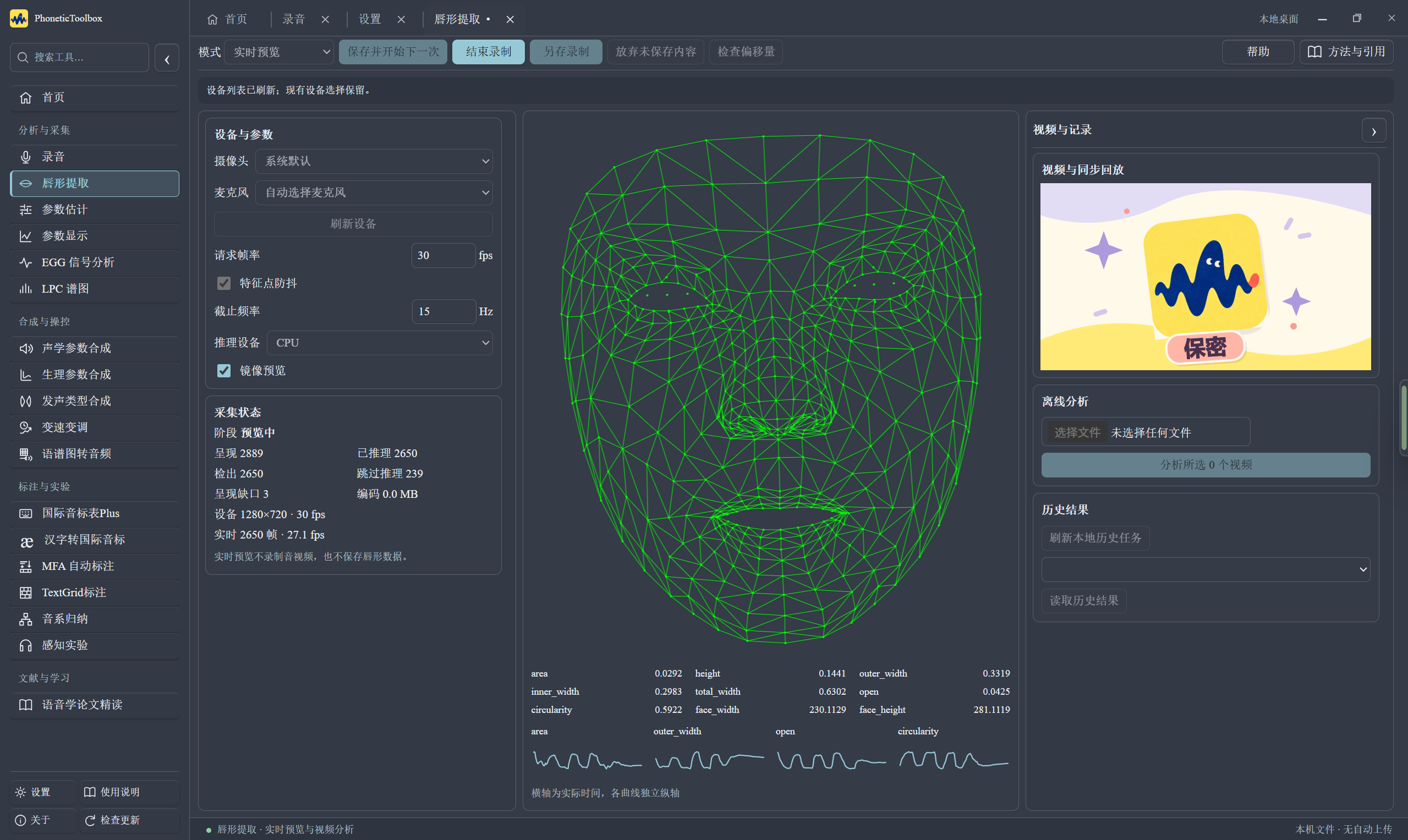
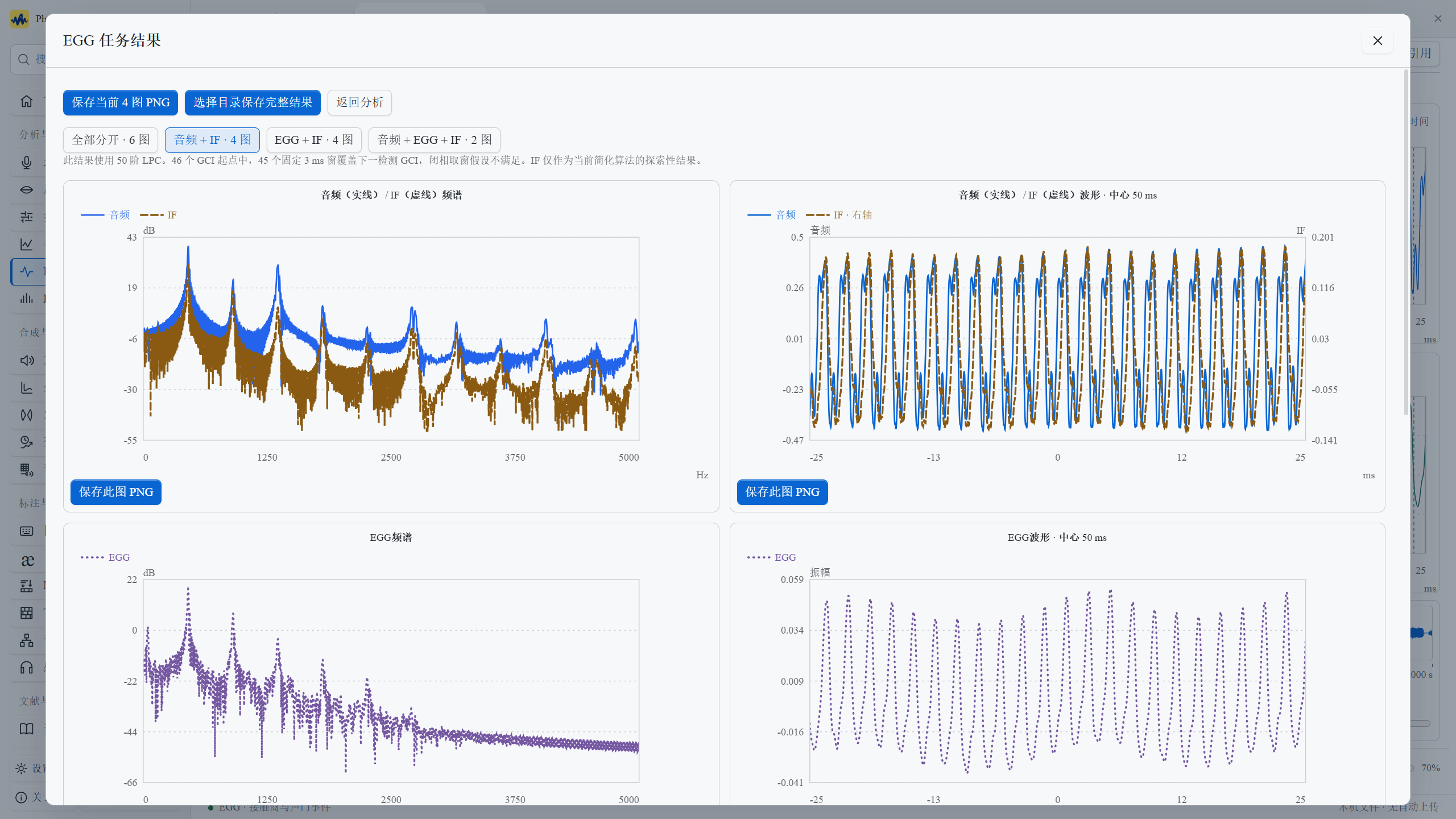
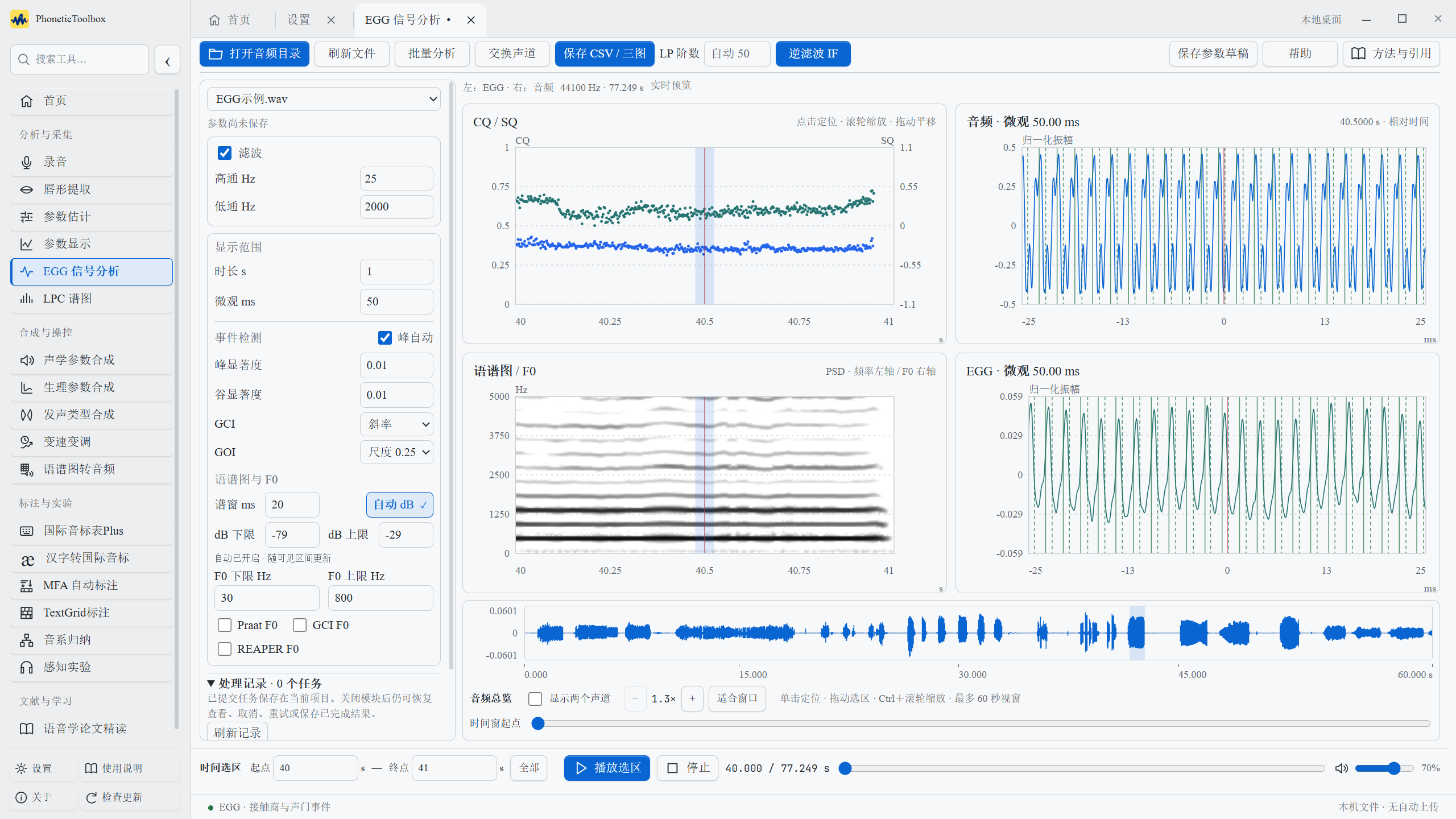
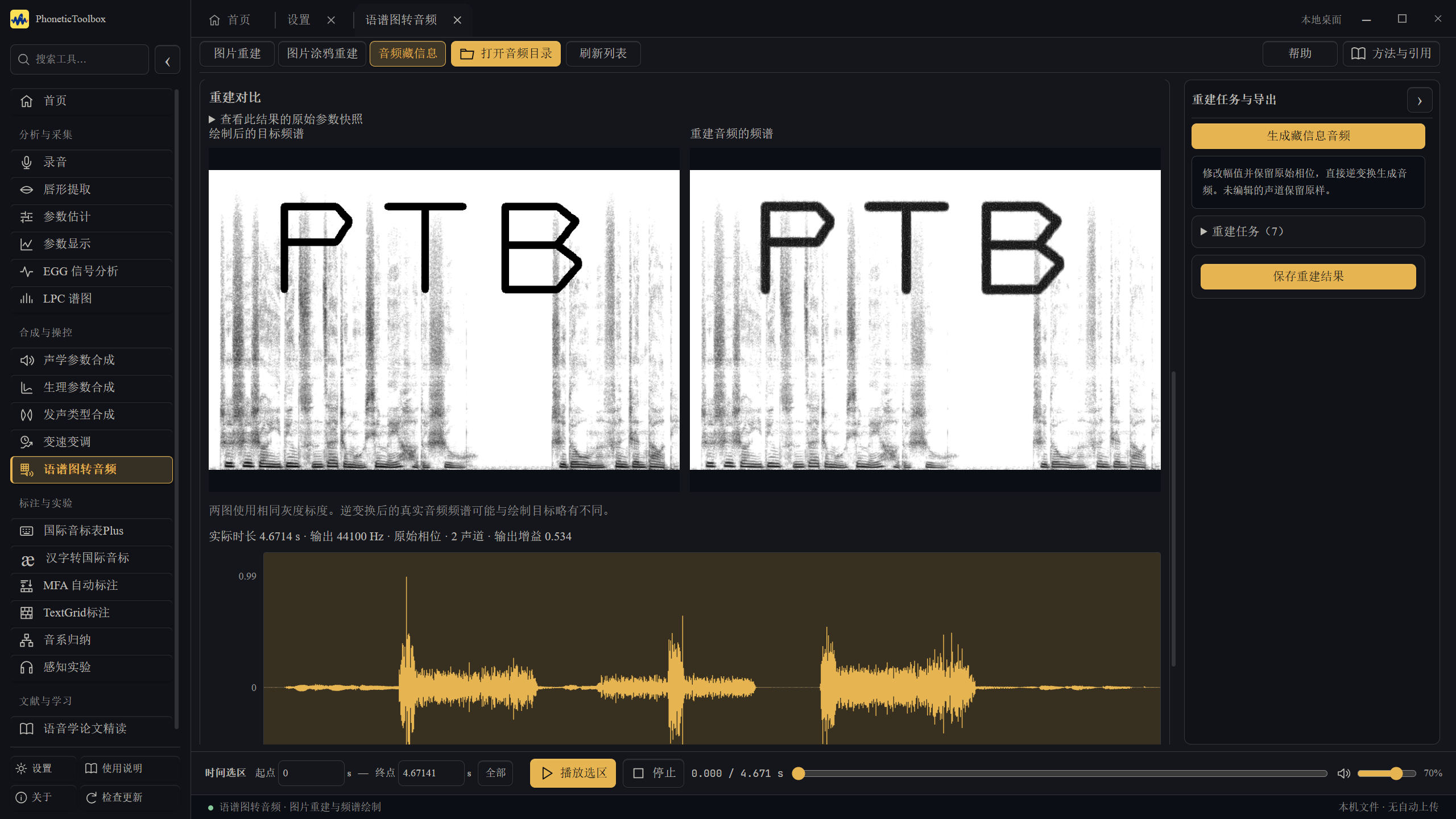
Tested on a physical Mac running macOS 26.6.2. This build uses ad hoc signing.
Download and extract the ZIP file.
Move PhoneticToolbox.app to your Applications folder.
Double-click to open.
This beta has not been notarized by Apple. If macOS cannot verify the developer, first confirm that the package came from this website, then go to System Settings → Privacy & Security → Open Anyway。
Hear what the parameters do. Choose a sound and press play.
01 / From one voice to another
Sound has gradients, too.
〰
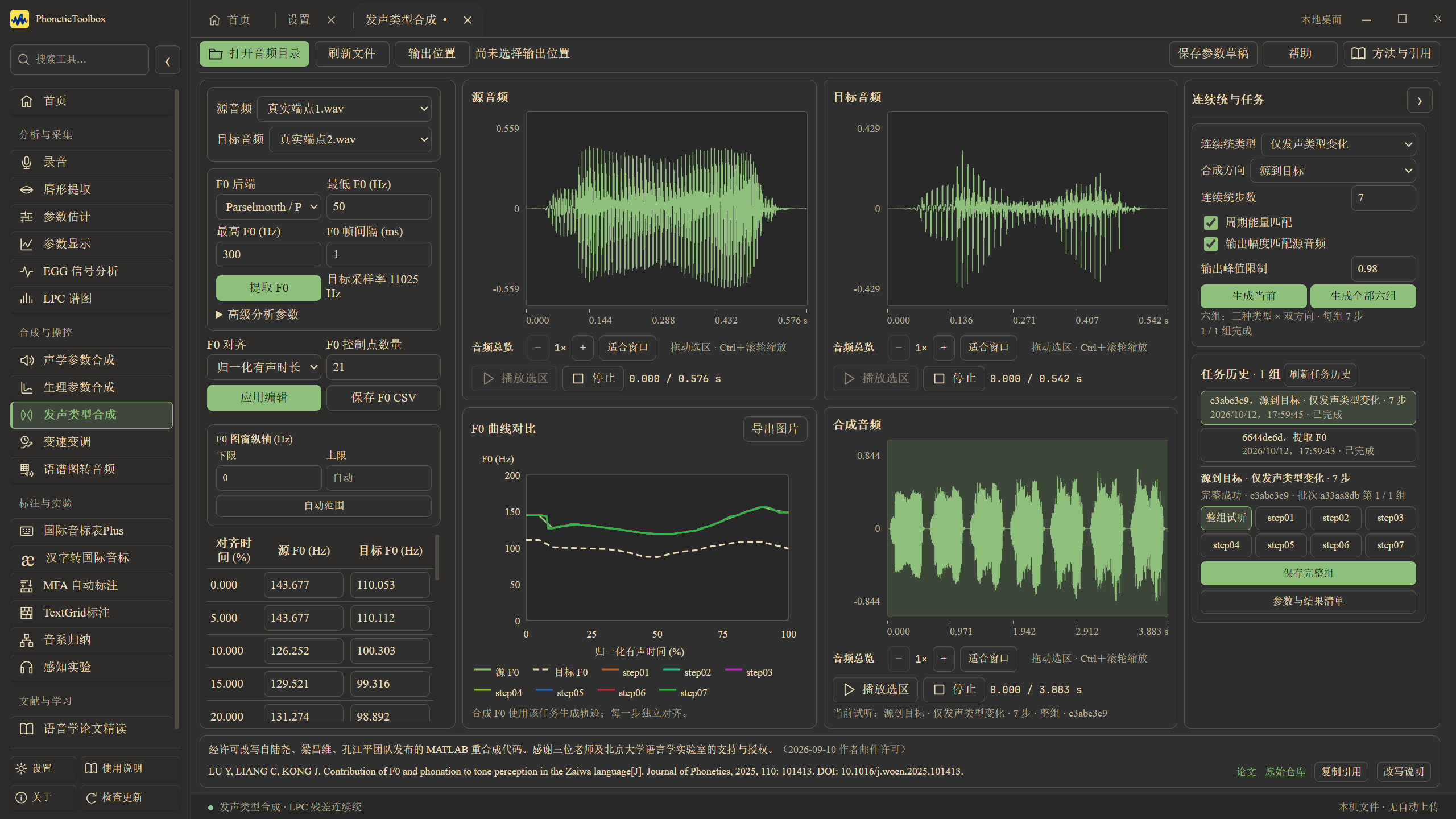
Two SCSC recordings of the same vowel, with different fundamental frequencies. Hear the originals, then a nine-step continuum of phonation and fundamental frequency made from them.
Start with the two originals.
Median F0 ≈ 128 Hz
Median F0 ≈ 94 Hz
Original A: SCSC recording · Original B: SCSC recording
Phonation and pitch closer to AA little closer →Phonation and pitch closer to B
0% · 127 Hz
12.5% · 122 Hz
25% · 118 Hz
37.5% · 112 Hz
50% · 106 Hz
62.5% · 102 Hz
75% · 100 Hz
87.5% · 97 Hz
100% · 94 Hz
How were these sounds made?
These nine steps were exported from the application, changing phonation and fundamental frequency together. Analysis uses Praat / Parselmouth over 40–300 Hz, with cycle-energy and output-amplitude matching enabled. The original median F0 values are approximately 128 Hz and 94 Hz. The processed median F0 values are approximately 127, 122, 118, 112, 106, 102, 100, 97 and 94 Hz.
The nine steps represent processing ratios; perceived differences need not be equally spaced. Steps 1 and 9 are processed results too, and can be compared with the two originals above.
02 / A different pace
Higher? Slower?
↗
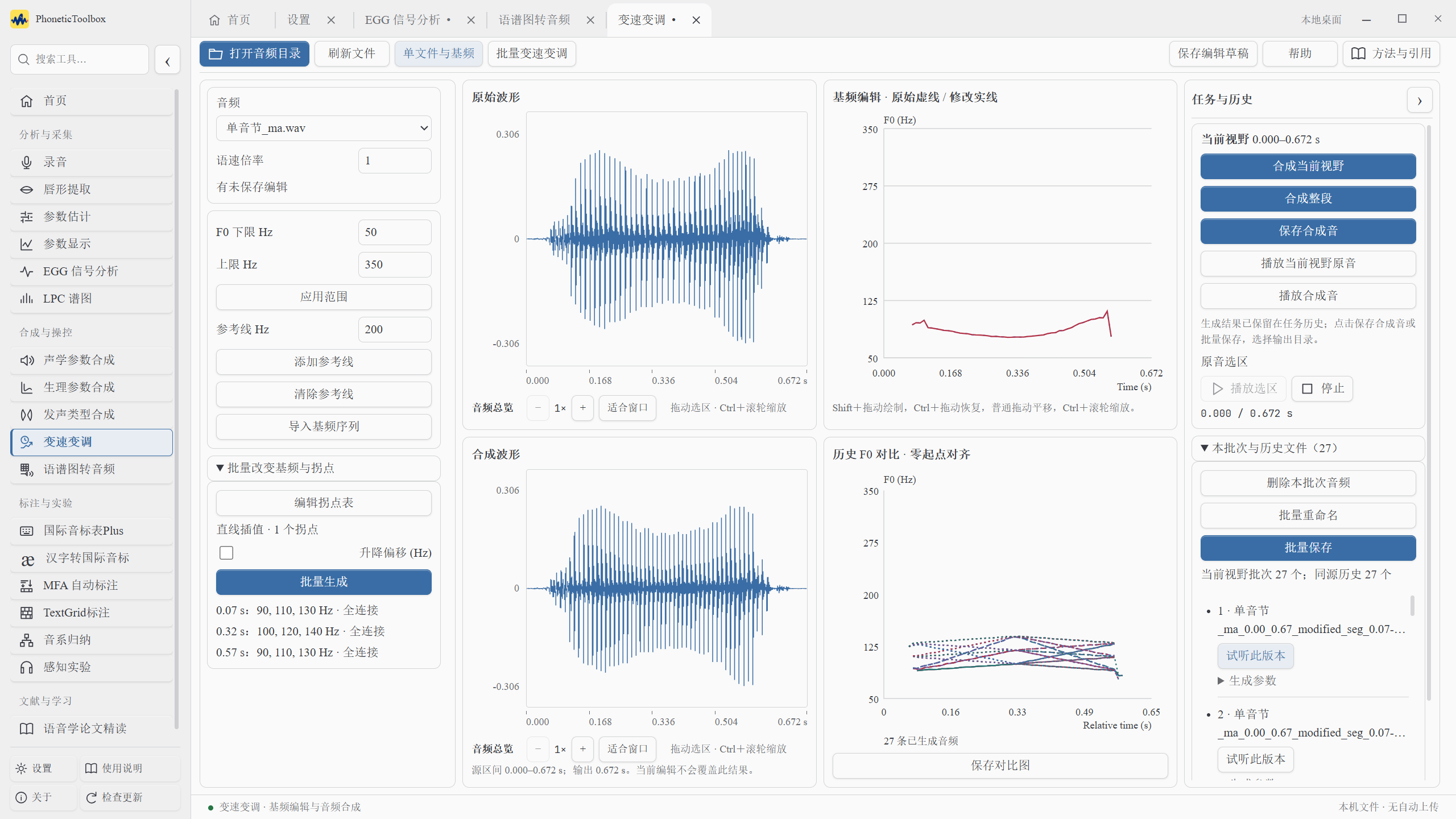
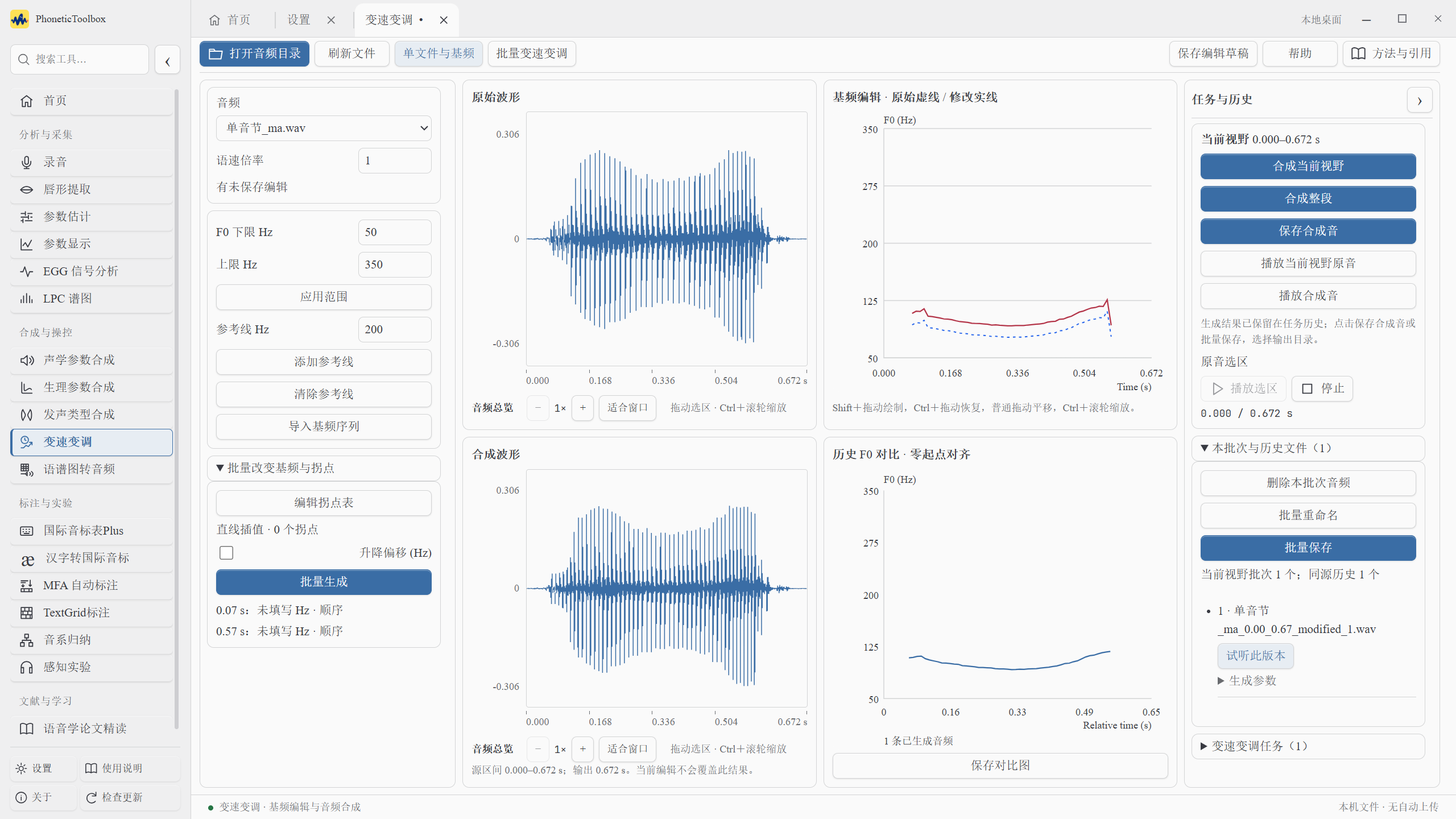
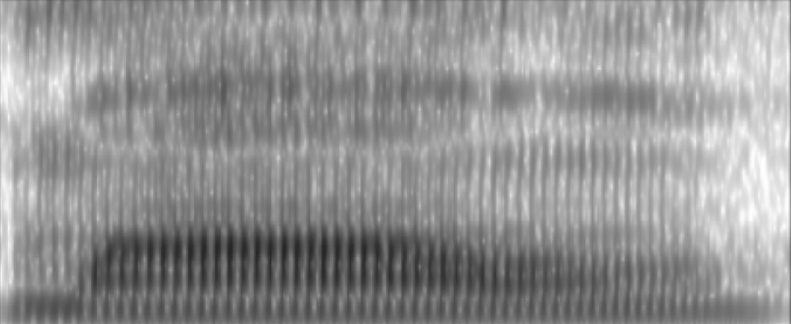
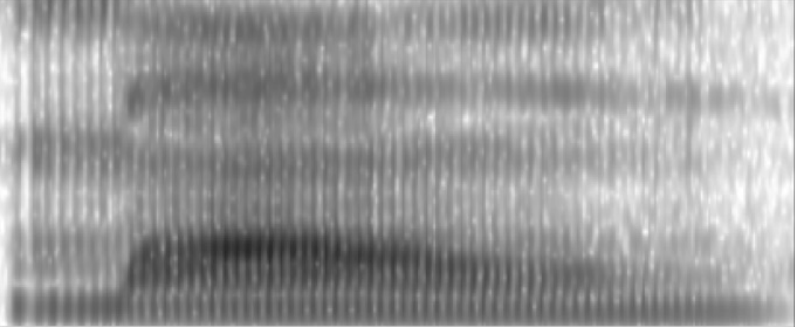
Start with a human recording of /ma/. Change pitch or speaking rate separately and compare with the original.
Human recording · 0.58 s
F0 −20 Hz
F0 +20 Hz
0.75× · 0.77 s
1.25× · 0.46 s
The original median F0 is approximately 129 Hz. Rate changes preserve the original pitch contour. The other examples were generated by processing this human recording in the application.
03 / A moving vocal tract
Watch speech take shape.
✧
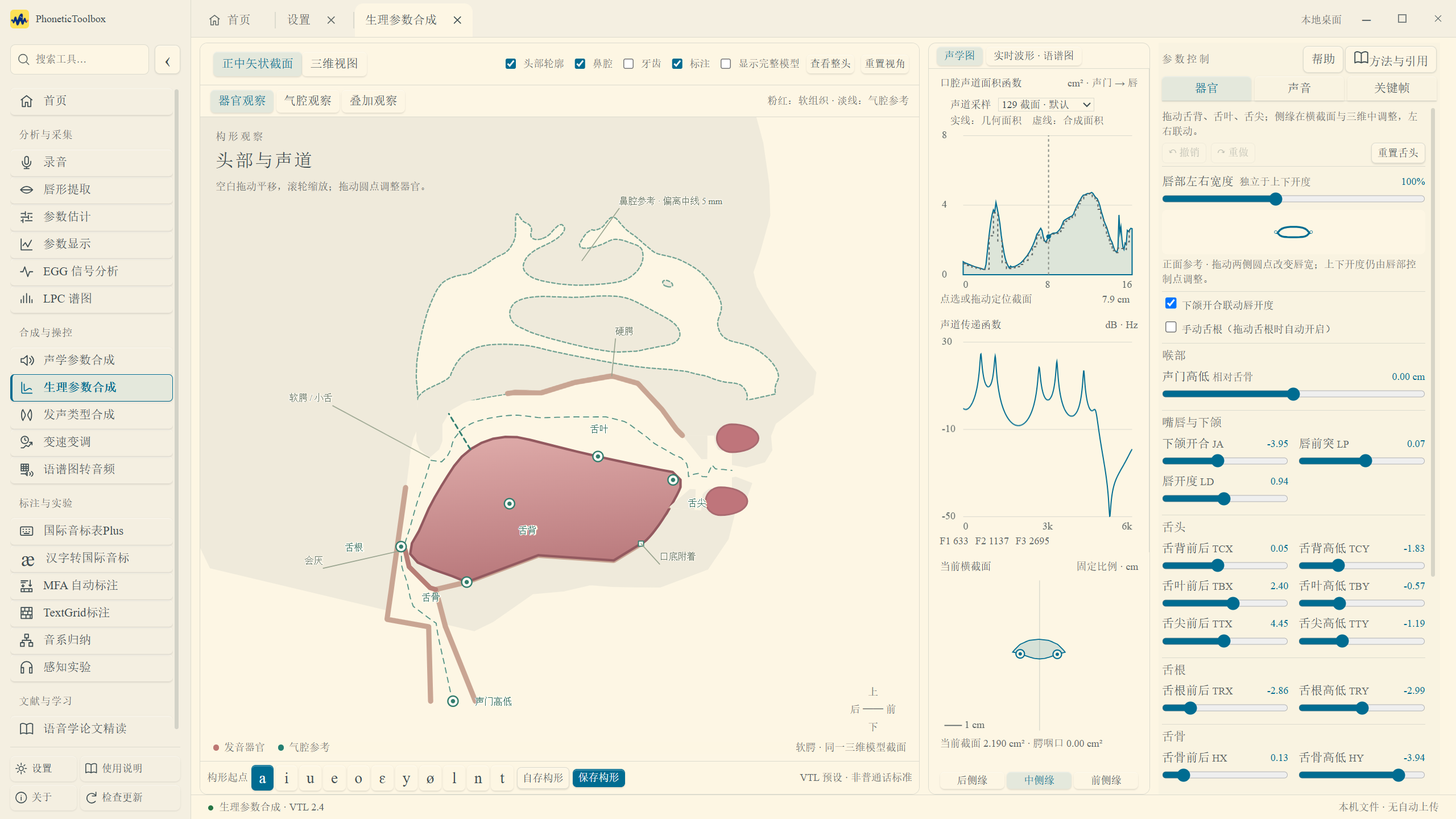
Watch the vocal tract move through a passage from Spring River in the Flower Moon Night, then listen to the synthesized voice.
Spring River in the Flower Moon Night · Articulatory synthesis04 / Let an image speak
See it. Hear it.
♪
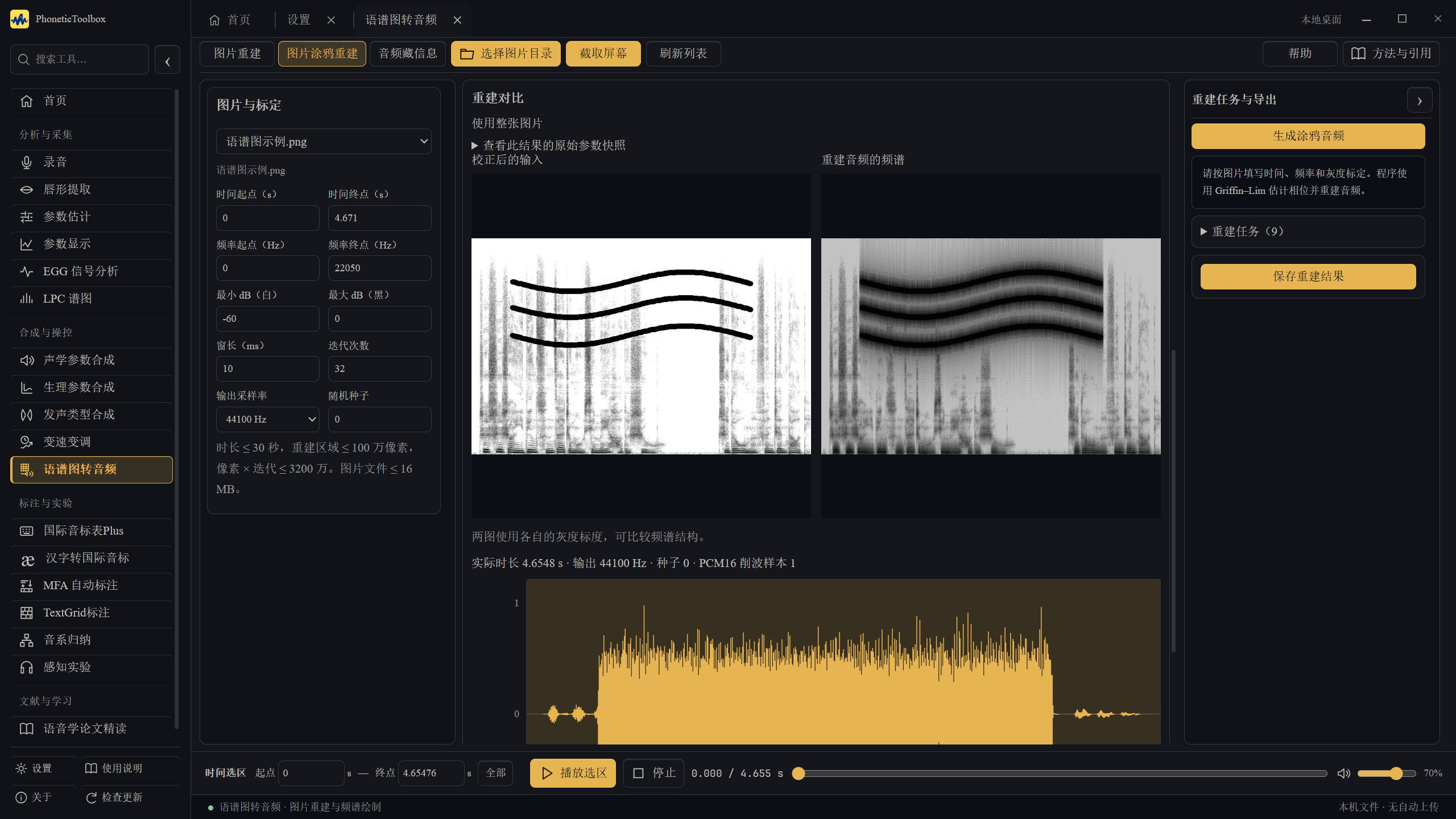
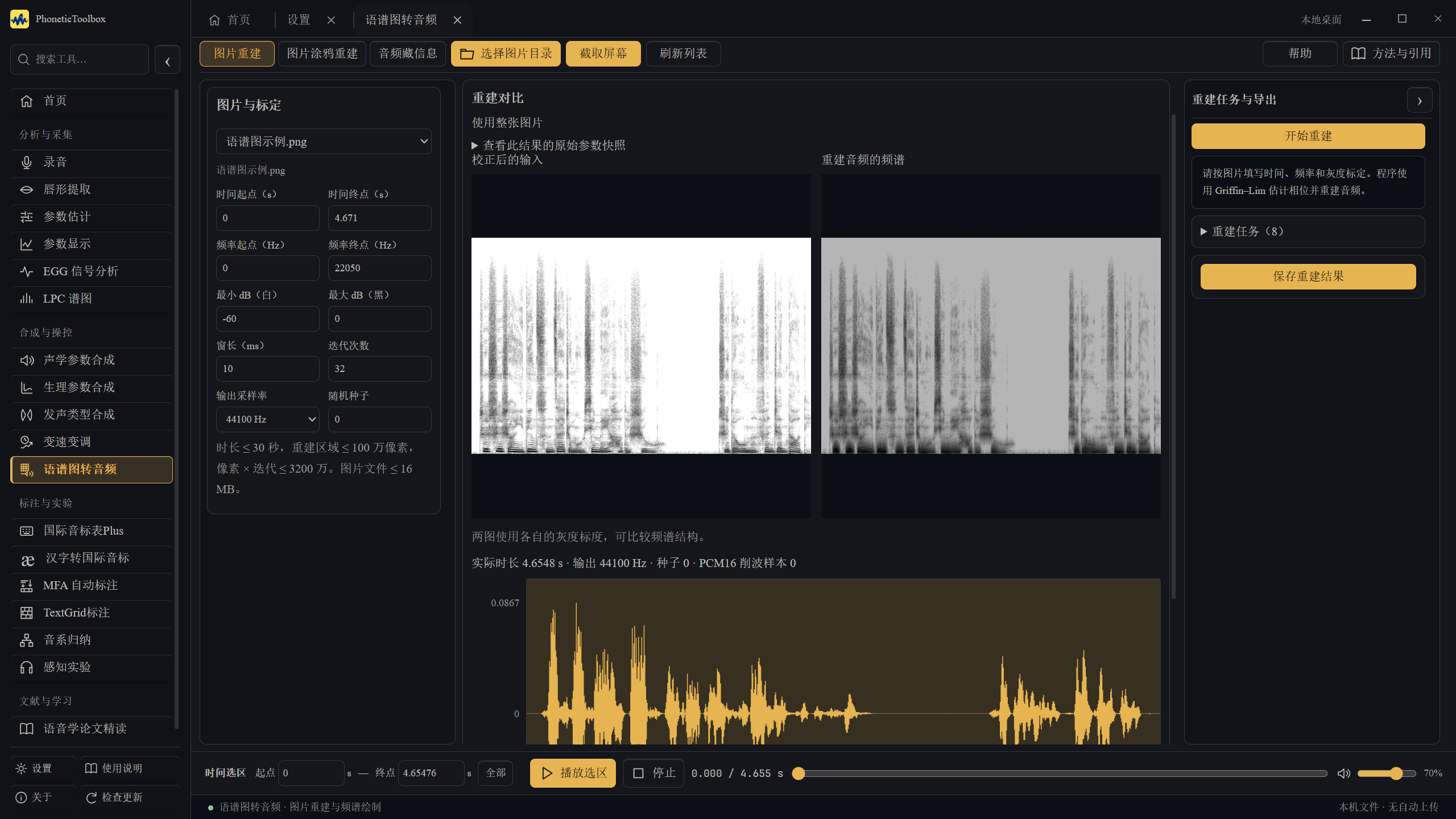
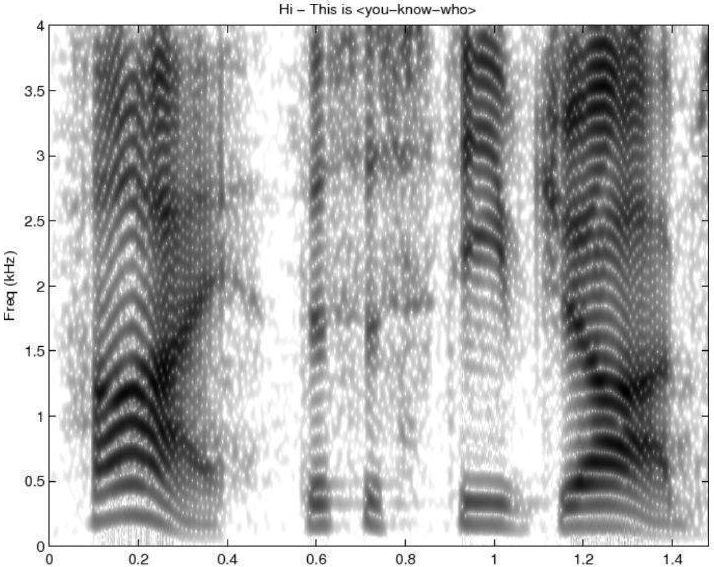
How much sound can be recovered from a spectrogram image? Select its spectral region, calibrate the axes, then reconstruct it using GL, a trained 80-band Mel restoration model and a vocoder. These three clips are approximate reconstructions from images.
Parameter model → GL → trained 80-band Mel restoration → BigVGAN. Estimated window length: 22.10 ms (22 ms used); dynamic range: 61.11 dB; normalization limits: −61.11 to 0 dB. Fixed Hann window and 256 pulse-initialized GL iterations; output: 24 kHz. The original image parameters have no ground-truth values available.
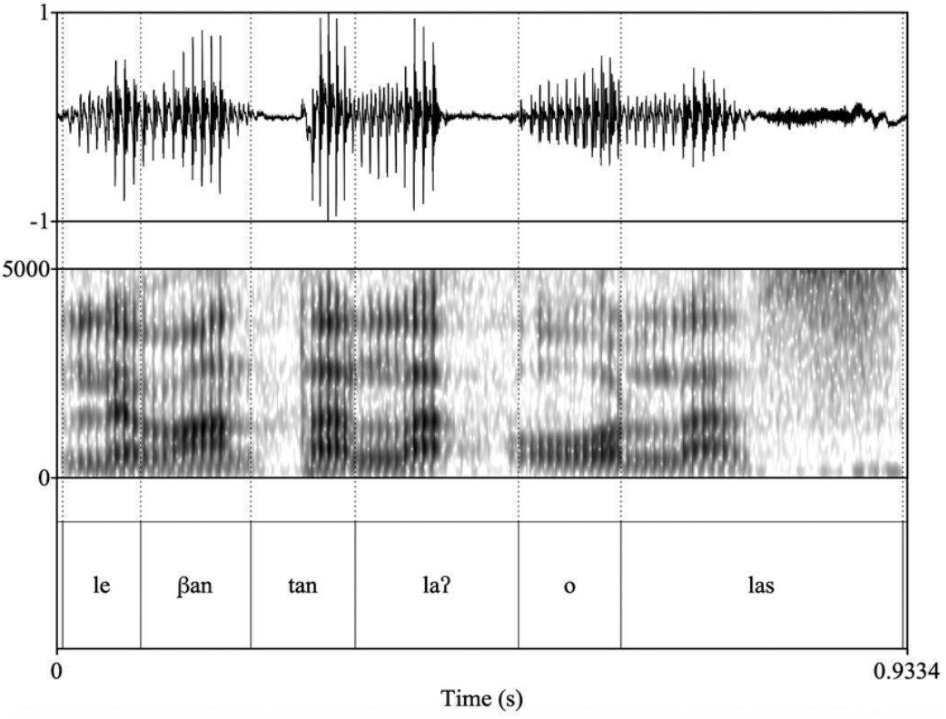
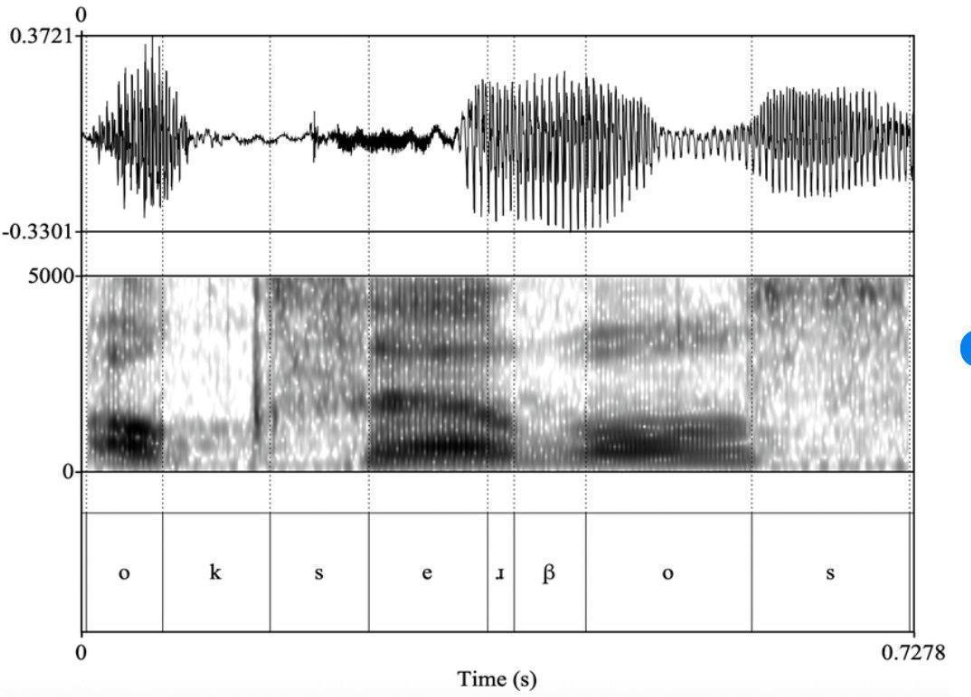
The original spectrogram of Levantan las olas illustrates a glottal stop. Compare the annotation and spectrogram to see how energy changes around the pause.
0.93 s · image reconstruction
Image source and reconstruction settings ↗
Whitney Chappell (2021). /s/ weakening in Nicaragua. In E. Núñez-Méndez (ed.), Sociolinguistic Approaches to Sibilant Variation in Spanish, pp. 217–245. Fig. 7.4, p. 228.
Parameter model → GL → trained 80-band Mel restoration → BigVGAN. Estimated window length: 4.54 ms (5 ms used); dynamic range: 49.43 dB; normalization limits: −49.43 to 0 dB. Fixed Hann window and 256 pulse-initialized GL iterations; output: 24 kHz. The original image parameters have no ground-truth values available.
The source uses this excerpt of observo to illustrate sibilant insertion. Inspect the high-frequency noise, then hear the approximate reconstruction.
0.73 s · image reconstruction
Image source and reconstruction settings ↗
Whitney Chappell (2021). /s/ weakening in Nicaragua. In E. Núñez-Méndez (ed.), Sociolinguistic Approaches to Sibilant Variation in Spanish, pp. 217–245. Fig. 7.3, p. 226.
Parameter model → GL → trained 80-band Mel restoration → BigVGAN. Estimated window length: 5.36 ms (5 ms used); dynamic range: 56.28 dB; normalization limits: −56.28 to 0 dB. Fixed Hann window and 256 pulse-initialized GL iterations; output: 24 kHz. The original image parameters have no ground-truth values available.
The image records energy distribution, while the original phase is lost. This is an approximate reconstruction affected by image resolution, grayscale mapping and iteration settings. It cannot replace the original recording for phonetic measurements. Image rights remain with the authors and publishers; sources are linked below each example.
Click to listen. Pause at any time or choose another sound.
FOLLOW THE IDEAS
Every method has a source.
Start with a few common methods, or expand the lists below to browse the full paper and code references.
Analysis & manipulation
Praat / Parselmouth
Fundamental-frequency analysis and speech manipulation use Praat and its Python interface.
View citation
JADOUL Y, THOMPSON B, DE BOER B. Introducing Parselmouth: A Python interface to Praat[J]. Journal of Phonetics, 2018, 71: 1-15. DOI: 10.1016/j.wocn.2018.07.001.
BOERSMA P, WEENINK D. Praat: doing phonetics by computer: Version 6.1.38[EB/OL]. (2021)[2026-10-11]. https://www.praat.org/.
The continuum method follows research by Lu, Liang and Kong. Adaptation of their code was separately authorized by the authors.
View citation
LU Y, LIANG C, KONG J. Contribution of F0 and phonation to tone perception in the Zaiwa language[J]. Journal of Phonetics, 2025, 110: 101413. DOI: 10.1016/j.wocn.2025.101413.
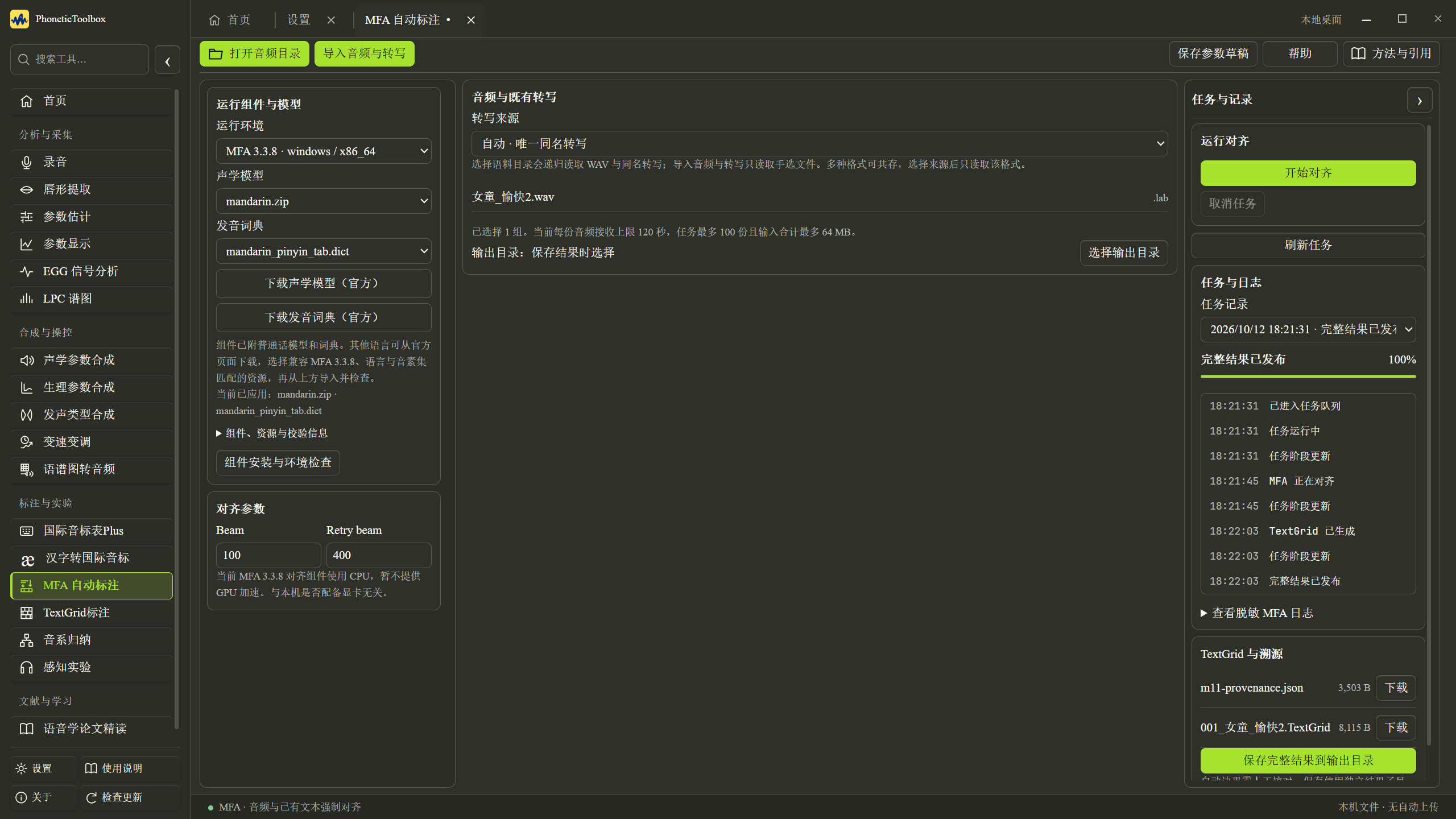
Align an existing transcript with audio, then review the result manually in the TextGrid tool.
View citation
MCAULIFFE M, SOCOLOF M, MIHUC S, et al. Montreal Forced Aligner: Trainable Text-Speech Alignment Using Kaldi[C]//Interspeech 2017. [S.l.]: ISCA, 2017: 498-502. DOI: 10.21437/Interspeech.2017-1386.
Technique of improving speech restoration from spectrograms of short windows for the Griffin–Lim algorithm
Used in: Spectrogram-to-audio
AOKI N. Technique of improving speech restoration from spectrograms of short windows for the Griffin–Lim algorithm[J]. Acoustical Science and Technology, 2023, 44(3): 186-188. DOI: 10.1250/ast.44.186.
Pulse-based phase initialization for short windows. Both reconstruction algorithms allow it to be enabled, disabled or selected automatically by window length.
BigVGAN: A Universal Neural Vocoder with Large-Scale Training
Used in: Spectrogram-to-audio
LEE S G, PING W, GINSBURG B, et al. BigVGAN: A universal neural vocoder with large-scale training[C/OL]//The Eleventh International Conference on Learning Representations. 2023[2026-10-15]. https://openreview.net/forum?id=iTtGCMDEzS_.
Synthesizes a waveform from an 80-band Mel spectrogram, using NVIDIA's BigVGAN base 22.05 kHz pretrained model.
The 80-band Mel restoration model uses the NAFNet architecture with frequency, coverage and acoustic conditioning. Restoration weights were trained for this project.
PERRAUDIN N, BALAZS P, SØNDERGAARD P L. A fast Griffin–Lim algorithm[C]//2013 IEEE Workshop on Applications of Signal Processing to Audio and Acoustics. IEEE, 2013: 1-4. DOI: 10.1109/WASPAA.2013.6701851.
Momentum-accelerated Griffin–Lim phase iteration. New application tasks use momentum 0.99; the website compares basic GL (0), momentum GL (0.99), and that same momentum GL followed by Mel restoration and BigVGAN.
SHUE Y L, KEATING P, VICENIK C, et al. VoiceSauce: A program for voice analysis[C]//Proceedings of the 17th International Congress of Phonetic Sciences. Hong Kong, 2011: 1846-1849.
HILLENBRAND J, CLEVELAND R A, ERICKSON R L. Acoustic Correlates of Breathy Vocal Quality[J]. Journal of Speech and Hearing Research, 1994, 37(4): 769-778. DOI: 10.1044/jshr.3704.769.
A Cepstrum-Based Technique for Determining a Harmonics-to-Noise Ratio in Speech Signals
Used in: Parameter estimation
DE KROM G. A Cepstrum-Based Technique for Determining a Harmonics-to-Noise Ratio in Speech Signals[J]. Journal of Speech and Hearing Research, 1993, 36(2): 254-266. DOI: 10.1044/jshr.3602.254.
Pitch determination and voice quality analysis using Subharmonic-to-Harmonic Ratio
Used in: Parameter estimation
SUN X. Pitch determination and voice quality analysis using Subharmonic-to-Harmonic Ratio[C]//2002 IEEE International Conference on Acoustics, Speech, and Signal Processing. [S.l.]: IEEE, 2002: I-333-I-336. DOI: 10.1109/ICASSP.2002.5743722.
An improved correction formula for the estimation of harmonic magnitudes and its application to open quotient estimation
Used in: Parameter estimation
ISELI M, ALWAN A. An improved correction formula for the estimation of harmonic magnitudes and its application to open quotient estimation[C]//2004 IEEE International Conference on Acoustics, Speech, and Signal Processing. [S.l.]: IEEE, 2004: I-669-I-672. DOI: 10.1109/ICASSP.2004.1326074.
A formant bandwidth estimation procedure for vowel synthesis
Used in: Parameter estimation
HAWKS J W, MILLER J D. A formant bandwidth estimation procedure for vowel synthesis[J]. The Journal of the Acoustical Society of America, 1995, 97(2): 1343-1344. DOI: 10.1121/1.412986.
MURTY K S R, YEGNANARAYANA B. Epoch Extraction From Speech Signals[J]. IEEE Transactions on Audio, Speech, and Language Processing, 2008, 16(8): 1602-1613. DOI: 10.1109/TASL.2008.2004526.
Software for a cascade/parallel formant synthesizer
Used in: Acoustic synthesis
KLATT D H. Software for a cascade/parallel formant synthesizer[J]. The Journal of the Acoustical Society of America, 1980, 67(3): 971-995. DOI: 10.1121/1.383940.
Contribution of F0 and phonation to tone perception in the Zaiwa language
Used in: Phonation synthesis
LU Y, LIANG C, KONG J. Contribution of F0 and phonation to tone perception in the Zaiwa language[J]. Journal of Phonetics, 2025, 110: 101413. DOI: 10.1016/j.wocn.2025.101413.
Signal estimation from modified short-time Fourier transform
Used in: Spectrogram-to-audio
GRIFFIN D W, LIM J S. Signal estimation from modified short-time Fourier transform[J]. IEEE Transactions on Acoustics, Speech, and Signal Processing, 1984, 32(2): 236-243. DOI: 10.1109/TASSP.1984.1164317.
Construction and Control of a Three-Dimensional Vocal Tract Model
Used in: Articulatory synthesis
BIRKHOLZ P, JACKÈL D, KRÖGER B J. Construction and Control of a Three-Dimensional Vocal Tract Model[C]//2006 IEEE International Conference on Acoustics, Speech and Signal Processing. [S.l.]: IEEE, 2006: I-873-I-876. DOI: 10.1109/ICASSP.2006.1660160.
Data for "Characterization of the Airflow within an Average Geometry of the Healthy Human Nasal Cavity"
Used in: Articulatory synthesis
BRÜNING J, HILDEBRANDT T, HEPPT W, et al. Data for "Characterization of the Airflow within an Average Geometry of the Healthy Human Nasal Cavity": version 4[DS/OL]. figshare, 2020-02-25[2026-10-11]. https://doi.org/10.6084/m9.figshare.9585410.v4. DOI: 10.6084/m9.figshare.9585410.v4.
Version: v4CC BY 4.0 (official v4 metadata and original mesh hashes checked). Preserve attribution, source and license links, and modification notices.
Montreal Forced Aligner: Trainable Text-Speech Alignment Using Kaldi
Used in: MFA forced alignment
MCAULIFFE M, SOCOLOF M, MIHUC S, et al. Montreal Forced Aligner: Trainable Text-Speech Alignment Using Kaldi[C]//Interspeech 2017. [S.l.]: ISCA, 2017: 498-502. DOI: 10.21437/Interspeech.2017-1386.
On the use of the derivative of electroglottographic signals for characterization of nonpathological phonation
Used in: EGG analysis
HENRICH N, D’ALESSANDRO C, DOVAL B, et al. On the use of the derivative of electroglottographic signals for characterization of nonpathological phonation[J]. The Journal of the Acoustical Society of America, 2004, 115(3): 1321-1332. DOI: 10.1121/1.1646401.
Used in: Articulatory synthesis, IPA Chart Plus, TextGrid annotation
INTERNATIONAL PHONETIC ASSOCIATION. The International Phonetic Alphabet[EB/OL]. (2026)[2026-10-11]. https://www.internationalphoneticassociation.org/IPAcharts/common_files/pdfs/pdfs_IPA_charts_E/IPA_Kiel.pdf.
Version: 2026 reprint; charts revised through 2015/2005CC BY-SA 4.0
INTERNATIONAL CLINICAL PHONETICS AND LINGUISTICS ASSOCIATION. ExtIPA symbols for disordered speech[EB/OL]. (2025)[2026-10-11]. https://www.icpla.org.uk/resources.
Version: 2025 chartCC BY-SA 3.0 as identified on ICPLA resources; original chart reproduction wording also recorded
Revisions to the VoQS system for the transcription of voice quality
Used in: IPA Chart Plus, TextGrid annotation
BALL M J, ESLING J H, DICKSON B C. Revisions to the VoQS system for the transcription of voice quality[J]. Journal of the International Phonetic Association, 2018, 48(2): 165-171. https://doi.org/10.1017/S0025100317000159.
Version: v1; Chinese translation made in 2020 of the VoQS 2016 revisionCC BY 4.0 (the corresponding Chinese chart record on Zenodo). Preserve attribution, source and license links, and interactive adaptation notices. Original chart authors are listed separately. The original PDF is not bundled.
Unicode documentation for phonetic symbols and combining marks
Used in: IPA Chart Plus, TextGrid annotation
THE UNICODE CONSORTIUM. The Unicode Standard, Version 16.0.0: Chapter 7, Europe-I[S/OL]. (2024-09-10)[2026-10-11]. https://www.unicode.org/versions/Unicode16.0.0/core-spec/chapter-7/.
MILLER K, BALL M. Unicode request for modification of VoQS character: L2/20-113[R/OL]. (2020-01-19)[2026-10-11]. https://www.unicode.org/L2/L2020/20113-voqs-correction.pdf.
MILLER K, BALL M. Unicode request for ExtIPA cartouche: L2/24-182R[R/OL]. (2024-09-04)[2026-10-11]. https://www.unicode.org/L2/L2024/24182r-cartouche.pdf.
SIL GLOBAL. Using bridging diacritics[EB/OL]. (2025-06-02)[2026-10-11]. https://software.sil.org/fonts/bridging-diacritics/.
The chart of the International Phonetic Alphabet in Chinese (2007)
Used in: Articulatory synthesis, IPA Chart Plus, TextGrid annotation
PHONETIC ASSOCIATION OF CHINA. The chart of the International Phonetic Alphabet in Chinese (2007)[J]. Journal of the International Phonetic Association, 2011, 41(2): 245. https://doi.org/10.1017/S0025100311000156.
Version: 2007 Chinese edition (IPA revised through 2005)
ESLING J H, MOISIK S R, BENNER A, et al. Voice quality: The laryngeal articulator model[M]. Cambridge: Cambridge University Press, 2019. https://doi.org/10.1017/9781108696555.
BALL M J, HOWARD S J, MILLER K. Revisions to the extIPA chart[J]. Journal of the International Phonetic Association, 2018, 48(2): 155-164. https://doi.org/10.1017/S0025100317000147.
BALL M J. Changes to certain extIPA diacritics[J]. Clinical Linguistics & Phonetics, 2024, 38(7): 692-695. https://doi.org/10.1080/02699206.2024.2365205.
Reply to letter concerning the revisions to some diacritics of the extensions to the IPA (extIPA), Ball (2024)
Used in: IPA Chart Plus, TextGrid annotation
BALL M J. Reply to letter concerning the revisions to some diacritics of the extensions to the IPA (extIPA), Ball (2024)[J]. Clinical Linguistics & Phonetics, 2025, 39(9): 911-912. https://doi.org/10.1080/02699206.2025.2489577.
A Comparative Study of Glottal Source Estimation Techniques
Used in: EGG analysis
DRUGMAN T, BOZKURT B, DUTOIT T. A comparative study of glottal source estimation techniques: arXiv:2001.00840v1[EB/OL]. (2019-12-28)[2026-10-11]. https://arxiv.org/abs/2001.00840v1.
Sound quality comparison among high-quality vocoders by using re-synthesized speech
Used in: Acoustic synthesis
MORISE M, WATANABE Y. Sound quality comparison among high-quality vocoders by using re-synthesized speech[J]. Acoustical Science and Technology, 2018, 39(3): 263-265. https://doi.org/10.1250/ast.39.263.
Examining Velopharyngeal Closure Patterns Based on Anatomic Variables
Used in: Articulatory synthesis
JORDAN H N, SCHENCK G C, ELLIS C, et al. Examining Velopharyngeal Closure Patterns Based on Anatomic Variables[J]. Journal of Craniofacial Surgery, 2017, 28(1): 270-274. DOI: 10.1097/SCS.0000000000003284.
An MRI study of the oral articulation of European Portuguese nasal vowels
Used in: Articulatory synthesis
OLIVEIRA C, MARTINS P, SILVA S, et al. An MRI study of the oral articulation of European Portuguese nasal vowels[C]//Interspeech 2012. ISCA, 2012: 2690-2693. DOI: 10.21437/Interspeech.2012-668.
Articulatory Source-Filter TTS: Physically Grounded Control through Vocal Tract Kinematics
Used in: Paper reader
BANDEKAR J, WATANABE S, GHOSH P K. Articulatory Source-Filter TTS: Physically Grounded Control through Vocal Tract Kinematics: arXiv:2610.00735v1[EB/OL]. (2026-09-30)[2026-10-11]. https://arxiv.org/abs/2610.00735v1.
Towards a Quantitative Analysis of Coarticulation with a Phoneme-to-Articulatory Model
Used in: Paper reader
FAN C, HENDERSON J M, MANNING C, et al. Towards a Quantitative Analysis of Coarticulation with a Phoneme-to-Articulatory Model: arXiv:2408.05641v1[EB/OL]. (2024-08-10)[2026-10-11]. https://arxiv.org/abs/2408.05641v1.
LEE W S, ZEE E. Standard Chinese (Beijing)[J]. Journal of the International Phonetic Association, 2003, 33(1): 109-112. DOI: 10.1017/S0025100303001208.
Supports Standard Chinese (Beijing) and its narrow-transcription option. Bibliographic details are verified; item-by-item correspondence between the broad/narrow columns and the paper remains to be checked.
Supports the Hu Yushu Modern Chinese option. This citation identifies the verified 1995 revised edition (edition 6); the historical character table does not record its edition or page references.
Supports the Huang Borong and Liao Xudong Modern Chinese option. This citation identifies the 2012 revised fifth edition, volume one, containing the phonetics chapters. The historical character table does not record its edition or page references.
Supports Qian Nairong's Modern Chinese option. This citation identifies the 1990 Higher Education Press edition; a 2001 Jiangsu Education Press revision is separately recorded. The historical character table does not record its edition or page references.
A phonetic reference added for the Wu Zongji option. The historical column records only the author's name; whether this book and which pages were used remain unconfirmed.
Supports the Zhao Yuanren A Grammar of Spoken Chinese option. This cites Lü Shuxiang's translation, first published in 1979. The publisher's product page describes a later reprint; the historical character table's edition and pages remain to be checked.
Supports the Chinese Dialect Pronunciation Wordlist option. This cites the 2003 rearranged second edition; the historical table's edition and pages for Beijing pronunciations remain to be checked.
Supports the UntPhesoca broad and narrow options. The author's text was accessed on 2026-10-11, with updates through 2024-10-11. Both columns use the middle-generation baseline and the first listed free variant; the broad third tone is 214, and the narrow third tone is 213. Erhua can be combined automatically or manually and decomposed item by item.
Version: text updated 2024-10-11 (accessed 2026-10-11)
Reference for letters, syllables and tone marking in the Hanyu Pinyin option. Approved on 1958-2-11. The current module does not perform word-segmented orthographic conversion.
What is a tongue tie? Defining the anatomy of the in-situ lingual frenulum
Used in: Articulatory synthesis
MILLS N, PRANSKY S M, GEDDES D T, et al. What is a tongue tie? Defining the anatomy of the in-situ lingual frenulum[J]. Clinical Anatomy, 2019, 32(6): 749-761. DOI: 10.1002/ca.23343.
Understanding the Lingual Frenulum: Histological Structure, Tissue Composition, and Implications for Tongue Tie Surgery
Used in: Articulatory synthesis
MILLS N, GEDDES D T, AMIRAPU S, et al. Understanding the Lingual Frenulum: Histological Structure, Tissue Composition, and Implications for Tongue Tie Surgery[J]. International Journal of Otolaryngology, 2020, 2020(1): 1820978. DOI: 10.1155/2020/1820978.
Supplementary Materials for the article entitles 'Geographic Structure of Chinese Dialects: A Computational Dialectometric Approach' (published in Linguistics)
Used in: Language maps
HUANG H, GRIEVE J, JIAO F. Supplementary Materials for the article entitles 'Geographic Structure of Chinese Dialects: A Computational Dialectometric Approach' (published in Linguistics)[DS/OL]. v1. Zenodo, 2024. DOI:10.5281/zenodo.10697975.
Provides 930 survey sites, 510 linguistic features, MDS, clustering and five distance matrices. Cite this dataset together with its associated paper; author names follow the original Zenodo record.
Geographic structure of Chinese dialects: a computational dialectometric approach
Used in: Language maps
HUANG H, GRIEVE J, JIAO L, et al. Geographic structure of Chinese dialects: a computational dialectometric approach[J]. Linguistics, 2024, 62(4): 937-976. DOI:10.1515/ling-2021-0138.
Research basis for the dialect-similarity layer and distance measures. Section 2.2 explains the encoding of types, subtypes and coexisting records; original results are supplied by the associated Zenodo dataset.
Version: 2024 · Linguistics 62(4): 937–976CC BY 4.0
County-level dialect dataset based on the Language Atlas of China, edition 2, Chinese dialects volume
Used in: Language maps
JING L. 《中国语言地图集(第2版)汉语方言卷》县级行政单位方言数据集[DS/OL]. v1. Zenodo, 2025. DOI:10.5281/zenodo.15897647.
County-level data used for dialect distribution. Original rows for dialect areas, islands and combined tables are retained. Cite the dataset under its registered author name Jing, Liwen, and acknowledge edition 2 of the Language Atlas of China.
Linguistic Atlas of Chinese Dialects: Phonetics, Lexicon and Grammar volumes
Used in: Language maps
曹志耘, 主编. 汉语方言地图集:语音卷、词汇卷、语法卷[M]. 北京:商务印书馆, 2008.
Original atlas source for linguistic features: 205 phonetics maps, 203 lexicon maps and 102 grammar maps, 510 in total. Map titles and category definitions were checked against each legend.
Version: 2008 (Phonetics, Lexicon and Grammar volumes)
Atlas source for county-level dialect classification, jointly compiled by two institutes of the Chinese Academy of Social Sciences and the Language Information Sciences Research Centre at City University of Hong Kong. The module uses county-level data compiled from this atlas by Shaozi Jing and published separately on Zenodo.
Version: edition 2 (2012) · ISBN 978-7-100-07054-6
A spectrogram restoration model trained for this project using NAFNet. It restores the 80-band Mel spectrogram extracted from a GL waveform before BigVGAN synthesis.
Version: 80-band Mel spectrogram
Window-length and dynamic-range prediction model
Used in: Spectrogram-to-audio
PhoneticToolbox · 窗长与动态范围预测模型
Trained for this project to predict window length and dynamic range from a spectrogram and its time/frequency calibration. Built-in NumPy inference also works with basic GL.
NVIDIA's 80-band Mel vocoder, used in the full restoration pipeline or for separate resynthesis after GL. Supports CPU and a validated CUDA Python environment.
Version: pretrained model · 22.05 kHz · 80 bandsNVIDIA BigVGAN code/model MIT; included alias-free Torch activation adapted under Apache-2.0; runtime dependencies separately inventoried
Used in: Recording, Parameter estimation, Parameter display, EGG analysis, LPC spectrum, Acoustic synthesis, Phonation synthesis, Time and pitch manipulation, TextGrid annotation
JADOUL Y, THOMPSON B, DE BOER B. Introducing Parselmouth: A Python interface to Praat[J]. Journal of Phonetics, 2018, 71: 1-15. DOI: 10.1016/j.wocn.2018.07.001.
BOERSMA P, WEENINK D. Praat: doing phonetics by computer: Version 6.1.38[EB/OL]. (2021)[2026-10-11]. https://www.praat.org/.
Version: Parselmouth 0.4.7; Praat 6.1.38 as listed in its documentationParselmouth 0.4.7: GPL-3.0-or-later; embedded Praat 6.1.38: GPL-2.0-or-later. Supply licenses and corresponding source under the applicable combined-distribution terms. Dependencies are listed separately.
Yen-Liang Shue and Patricia Keating and Chad Vicenik and Kristine Yu · VoiceSauce
The checked OpenSauce Octave implementation uses the two-clause BSD license. Applicable licenses for the original VoiceSauce MATLAB and SoE functions still require individual checks.
Yao Lu and Changwei Liang and Jiangping Kong · 载瓦语 F0 与发声类型研究代码/数据
Author permission by email (2026-09-10) allows adaptation of the relevant MATLAB code to Python and integration into PhoneticToolbox v3 for free, open-source distribution, with agreed citation, attribution, acknowledgments and adaptation notices.
Adapted with permission from MATLAB resynthesis code by Yao Lu, Changwei Liang and Jiangping Kong. Thanks to the authors and the Peking University Linguistics Laboratory for their support and authorization. (Author email permission, 2026-09-10)
Adaptation notes
The original implementation is the authors' MATLAB resynthesis code. PhoneticToolbox's authorized Python adaptation retains the checked LPC inverse filtering and residual/pulse continuum calculations; F0 can be extracted with Parselmouth / Praat. REAPER was added as an F0 extraction option for creaky voice. Version 3 adds explicit source and target selection, both directions, control-point editing and application, batches and task history, four-plot comparison and complete-group saving.
PhoneticToolbox provides the authorized Python adaptation. To compare the original workflow and synthesis, run the authors' MATLAB code and check input materials and parameter settings.
Version: 3.10.8Matplotlib's own and historical component licenses apply; see their texts. A PSF-style summary does not represent a single license for all components
Hartmut Goebel, Giovanni Bajo, David Vierra, David Cortesi, Martin Zibricky · PyInstaller
Version: 6.17.0GPL-2.0-or-later, including the bootloader distribution exception and Apache-2.0 runtime hooks. The build tool's license does not automatically apply to the application
Hartmut Goebel, Giovanni Bajo, David Vierra, David Cortesi, Martin Zibricky · pyinstaller
Version: 6.22.2GPLv2-or-later with a special exception which allows to use PyInstaller to build and distribute non-free programs (including commercial ones)
Filipe Laíns <lains@riseup.net>, Bernát Gábor <gaborjbernat@gmail.com>, layday <layday@protonmail.com>, Henry Schreiner <henryschreineriii@gmail.com> · build
Samuel Colvin <s@muelcolvin.com>, Eric Jolibois <em.jolibois@gmail.com>, Hasan Ramezani <hasan.r67@gmail.com>, Adrian Garcia Badaracco <1755071+adriangb@users.noreply.github.com>, Terrence Dorsey <terry@pydantic.dev>, David Montague <david@pydantic.dev>, Serge Matveenko <lig@countzero.co>, Marcelo Trylesinski <marcelotryle@gmail.com>, Sydney Runkle <sydneymarierunkle@gmail.com>, David Hewitt <mail@davidhewitt.dev>, Alex Hall <alex.mojaki@gmail.com>, Victorien Plot <contact@vctrn.dev> · pydantic
Samuel Colvin <s@muelcolvin.com>, Adrian Garcia Badaracco <1755071+adriangb@users.noreply.github.com>, David Montague <david@pydantic.dev>, David Hewitt <mail@davidhewitt.dev>, Sydney Runkle <sydneymarierunkle@gmail.com>, Victorien Plot <contact@vctrn.dev> · pydantic_core
Filipe Laíns <lains@riseup.net>, Bernát Gábor <gaborjbernat@gmail.com>, layday <layday@protonmail.com>, Henry Schreiner <henryschreineriii@gmail.com> · build
Version: 2.9.0.post0Apache-2.0 (contributions after 2017-12-01 or relicensed contributions) and BSD-3-Clause (earlier contributions), subject to individual files and original license scopes.
IPAChart.com. Interactive IPA Chart[EB/OL]. [2026-10-11]. https://www.ipachart.com/.
RUTER W. International Phonetic Alphabet (IPA) Unicode Chart and Character Picker[EB/OL]. [2026-10-11]. https://github.com/westonruter/ipa-chart.
Reference for chart interaction and section organization.
Both provide the same tools. The portable edition runs after download; the installer guides setup and creates shortcuts. Current builds target Windows 10 1809 or later and Windows 11, x64.
02Can I use the web app now?+
The web app is in public beta. Select “Open the web app” on the homepage to access it. You can also explore the features, try the listening examples and download the desktop app here.
03Are recordings and research materials uploaded automatically?+
The desktop application processes materials locally and does not automatically upload local files. Feedback, component downloads and paper resources use the network. Check attachments for personal information before sharing.
04Why does MFA need a separate component download?+
MFA's runtime, acoustic models and pronunciation dictionaries are separate components. On first use, open Component installation and environment checks in MFA forced alignment. Follow the download instructions or select an existing component package.
05Do I still need to check automatic alignments?+
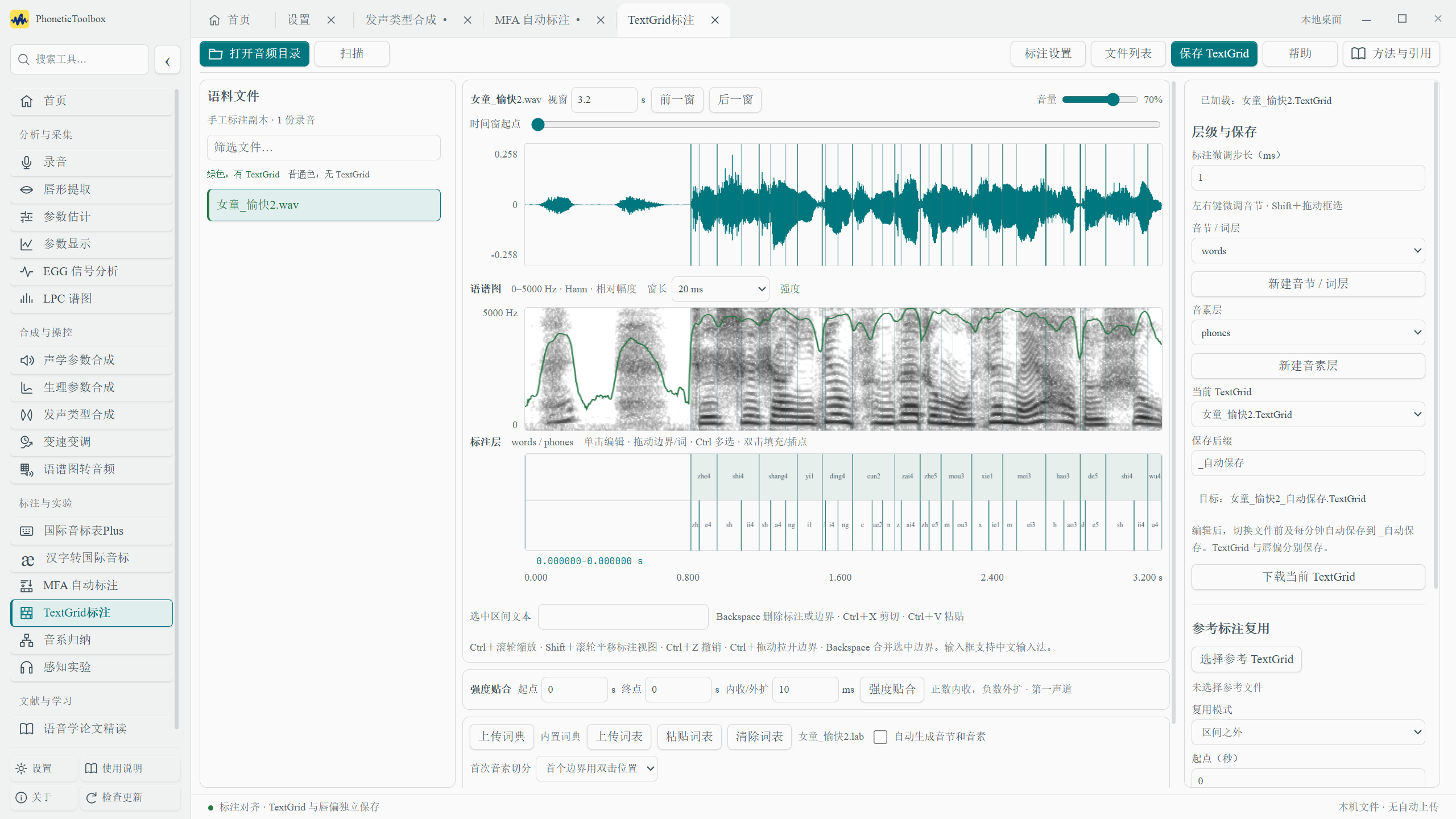
Yes. MFA aligns audio with existing text, and its boundaries still need review. Continue refining them against the waveform and spectrogram in TextGrid annotation.
06Where can I learn the controls and parameters?+
The full user guide is at the application's bottom left. Each tool also has Help and Methods & references at the top right. Find the relevant chapter, then choose settings for your materials.
NOTES FROM THE WORKBENCH
Notes fromthe workbench.
Choose a release
v3.1.3✦
PhoneticToolbox 3.1.3 · Release notes
This update adds Chinese, English and Japanese interfaces, and fixes a batch of analysis, queueing and file-management issues.
Acoustic analysis
Key change: corrected the Intensity reference value. The reference sound pressure is now 20 μPa. For the same input and analysis window, nonzero-energy frames are approximately 5.0309 dBlower than before. Digital silence now produces a missing value; historical results remain readable. Check the calculation version when comparing old and new results, and preferably reanalyse them with one version. (P.S. Ordinary recordings usually have no sound-pressure calibration, so Intensity values cannot directly be treated as actual sound pressure levels. Calculating sound pressure levels requires detailed microphone parameters and the distance between the speaker’s lips and the microphone.)
Key change: invalid corrections no longer enter valid results. Iseli correction now returns a missing value for invalid bandwidths and similar inputs, so an unsuccessful correction is not treated as a zero correction.
Fixed analysis failures with low sample rates. For recordings at 8 kHz and other low sample rates, high-frequency parameters outside the measurable range are marked missing; the remaining measurable parameters are still calculated.
Interface and documentation
Key change: Chinese, English and Japanese interfaces. Switch languages on the home page or in settings; your choice is saved. English and Japanese offline manuals can be downloaded and imported separately. The Chinese manual is included by default.
Less interface freezing while reading files. Directory scanning, file reading and TextGrid parsing now run in the background.
Fixed several controls and display issues. These include EGG parameters failing to save, an incorrect window state after leaving PDF full screen, and messages that did not update after switching languages.
Tasks and file management
Key change: fixed new submissions being blocked as task history grew. Finished tasks no longer consume active-task slots. Queueing time and actual running time are counted separately, so a task does not exhaust its runtime budget before it starts.
Improved background-task recovery. Handles abnormal tasks, unexpected worker exits and very large batch snapshots, reducing cases where subsequent tasks remain stuck in the queue.
Added optional cleanup of imported copies. Disabled by default. It only removes unreferenced copies in the toolbox cache, retaining active tasks, pending batches, retained results and their dependencies. Original files in source directories are never deleted.
Reduced repeated cache writes and accumulation of invalid records. Also fixed locks left behind after a process crashes while saving a new annotation, which could block later saves. Older locks whose ownership cannot be established are retained.
Web version and other fixes
Improved file access for multiple users. Ordinary file operations for different accounts can run concurrently; database connections are reused within a bounded pool. Large transfers are scheduled separately from interactive requests. Downloads still check identity and expiry for each chunk.
Fixed login and preview issues. Reduced unintended lockouts caused by repeated attempts against one username, and fixed counters after successful login. Opening an EGG preview for another user no longer directly evicts an existing session.
Improved waiting and shutdown handling. Added timeout messages, child-process cleanup and recovery from maintenance-task errors. The update installer reports an error if it remains unresponsive for too long. Feedback conversations pause periodic refreshes while the page is hidden.
This update is for Windows and the web version. There is no new Mac installer yet (I haven’t rented a Mac server… Mac releases will probably come every two versions; sorry, everyone). If you run into any other problems, please let Shaozi know through the toolbox’s feedback feature~
After downloading, import the ZIP file in the application manual.
v3.1.2✦
PhoneticToolbox 3.1.2 · Fix release notes
PhoneticToolbox 3.1.2
Highlight: fixes for flickering and disappearing language maps. Basemaps and survey sites remain visible while dragging or zooming with a background image enabled.
Fixed duplicate coastline outlines: the current map level now draws coastlines consistently, avoiding overlapping outlines. SVG and PNG exports receive the same fix.
This fix release is for Windows. The macOS download remains at 3.1.1.
If language maps flicker or disappear on Mac, open Appearance in Settings and clickUse no background image to temporarily disable the background.
Smoother language map interaction: less repeated work on pointer movement, dragging and zooming. Two-map and four-map comparisons also reuse basemaps and styles.
Full-screen maps: expand one, two or four maps. Press Esc to exit while keeping the original map position and zoom.
Basemaps and multiple boundary levels: one base-color layer. Automatic mode changes between province, prefecture and county with zoom; manual choices take priority. All three outline levels can appear together with thick, medium and thin lines.
Map export options: SVG and PNG can include categorical legends, a scale bar, place names and multiple boundary levels. Names can be limited to selected sites. Exports include the scale bar by default, omit legends and names, and retain current boundaries.
Clearing filters restores all survey sites, with active filters displayed above the map. Fixed linguistic-feature categories affecting dialect similarity.
Fixed table content overlapping the header while scrolling below the map.
Source popovers, place-name tooltips and scale bars now have opaque backgrounds for readability over background images. Exported scale bars follow the same styling.
Added a dialect-distribution point-color key: small colored points show a single category at the current level; larger blue-gray points indicate multiple categories at one site.
When the web app is in the background, periodic storage, server-load, file-list and unread-feedback queries pause. They refresh on return, reducing repeated requests.
Corrected an IPA chart typo from n̠ʲ̊ to n̠̊ʲ, placing the voicelessness ring above n. Both display and click-to-input were corrected.
v3.1.0✦
PhoneticToolbox 3.1.0 · Release notes
PhoneticToolbox 3.1.0 update
This update brings together survey records from the Linguistic Atlas of Chinese Dialects,the paper's analysis results ↗、open data from Zenodo ↗, and county-level dialect distributions that Shaozi compiled and shared in a 2024 Zhihu article. Explore how initials and finals are distributed, compare two sites, or map your own survey locations.
It also includes fixes reported during testing, covering the IPA chart, user guide, annotation and exports.
Language maps
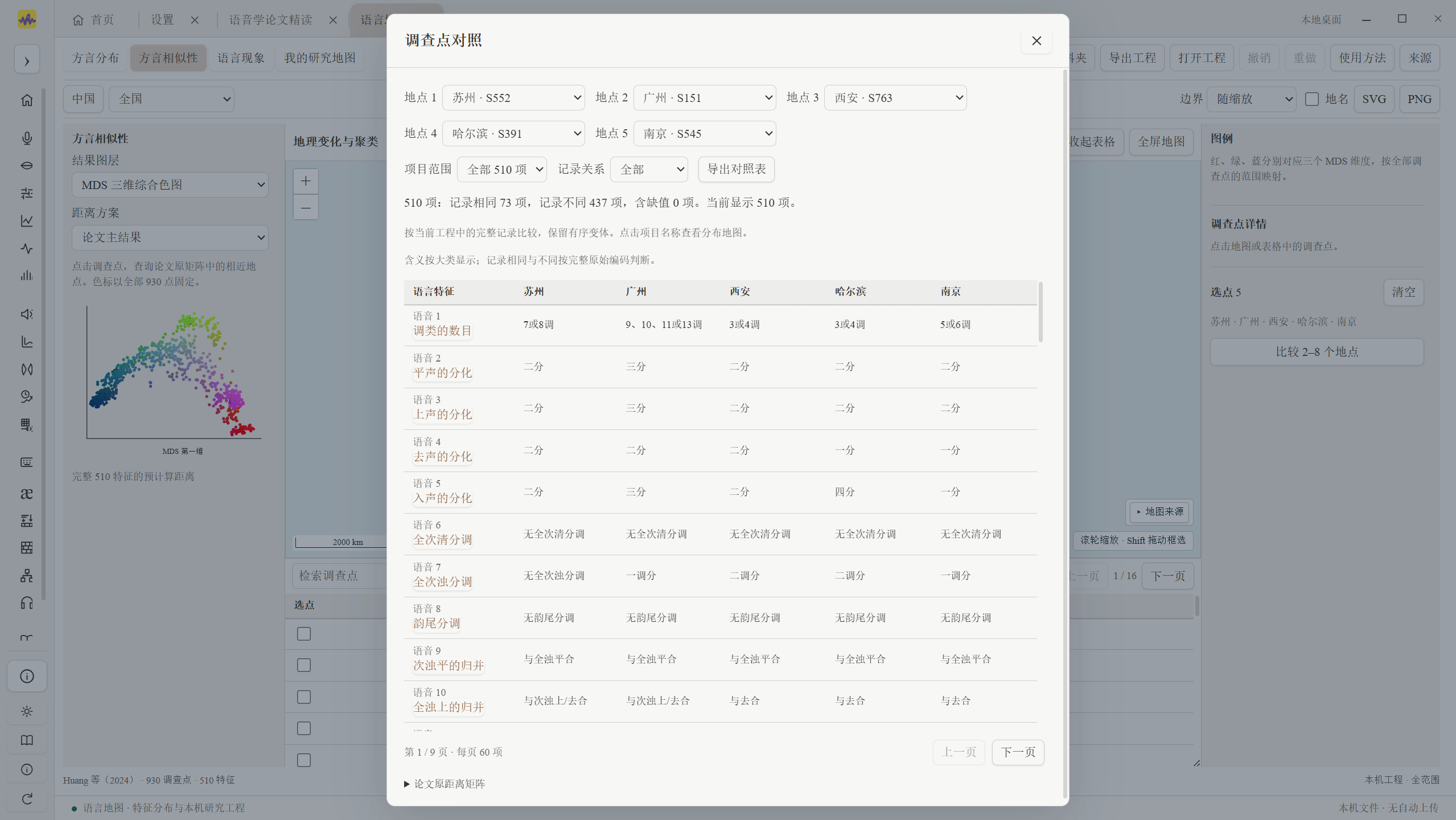
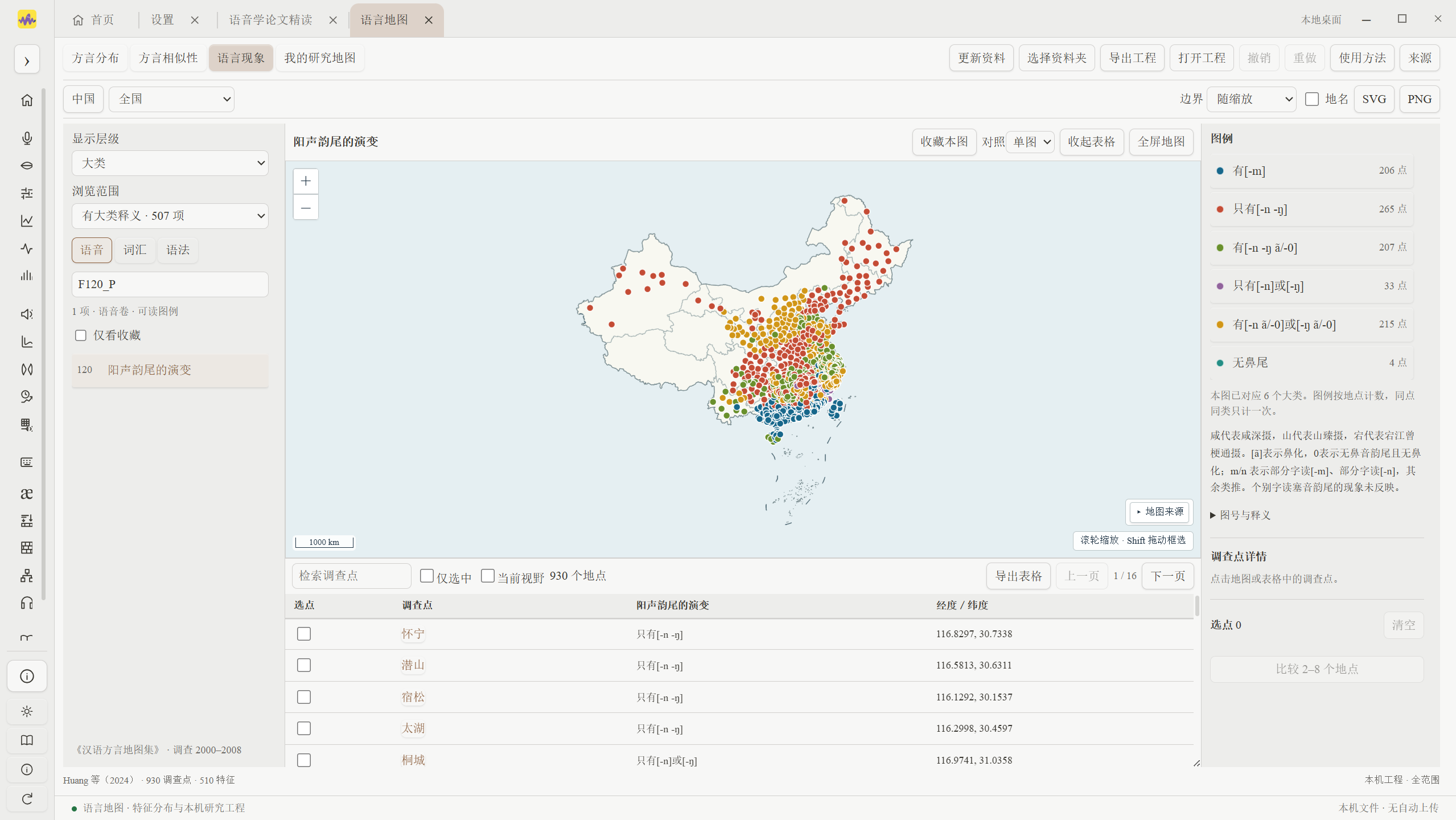
Highlight: new language maps combine survey records from the Linguistic Atlas of Chinese Dialects with county-level dialect distributions compiled by Shaozi Jing. Zoom a map of China, filter by province, prefecture and county, and explore dialect regions, islands and classification levels.
Linguistic features cover 510 features and 930 survey sites across phonetics, lexicon and grammar. Verified major categories appear by default, with original records, site names, sources and page references retained. Missing source pages, uncertain correspondences and conflicting records remain marked for review. Subcategory definitions are supplied only where verified.
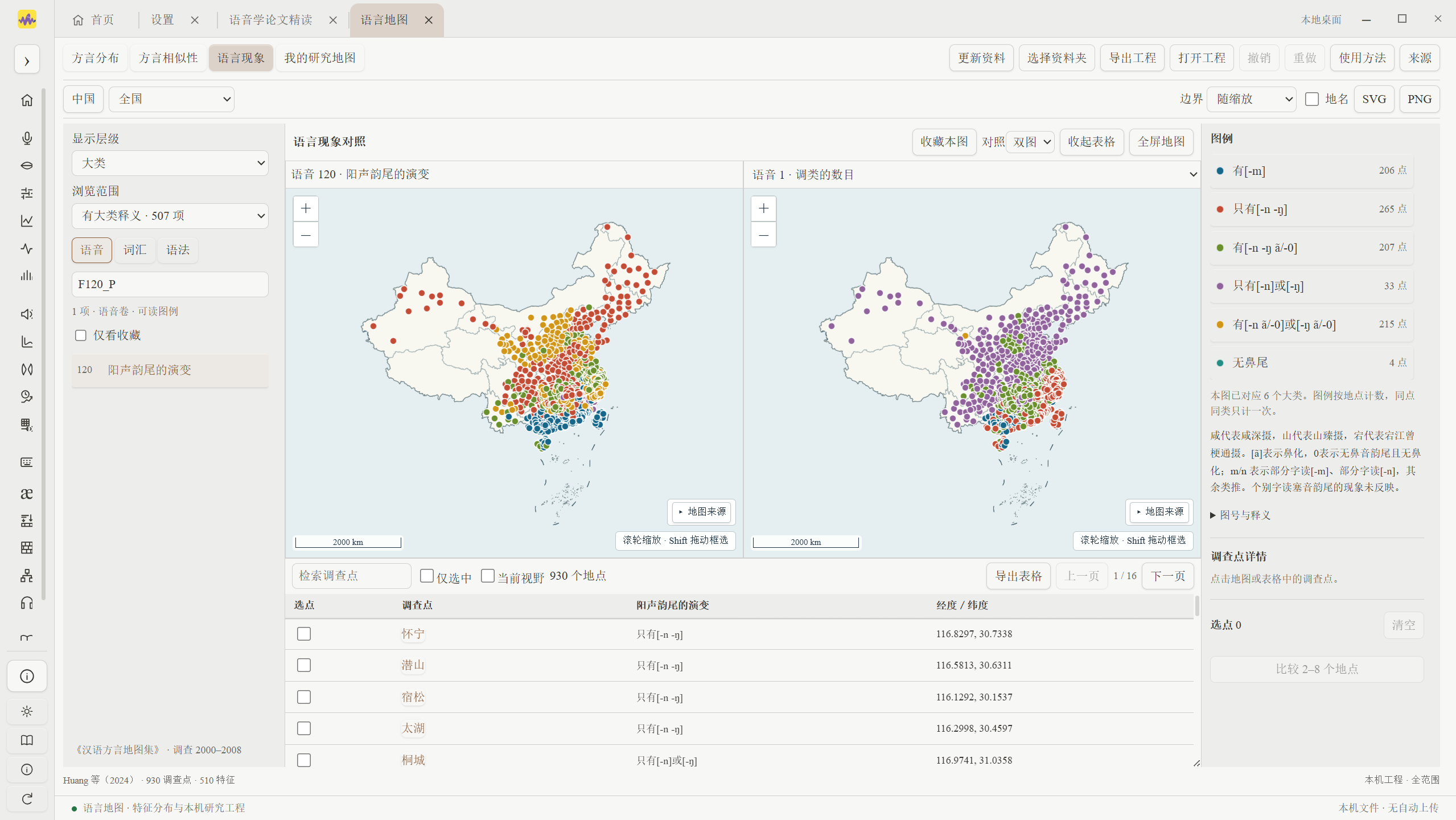
Compare two or four maps, bookmark views, filter legends and link maps to tables. Each map has its own title; maps have equal display areas and long titles can be read in full.
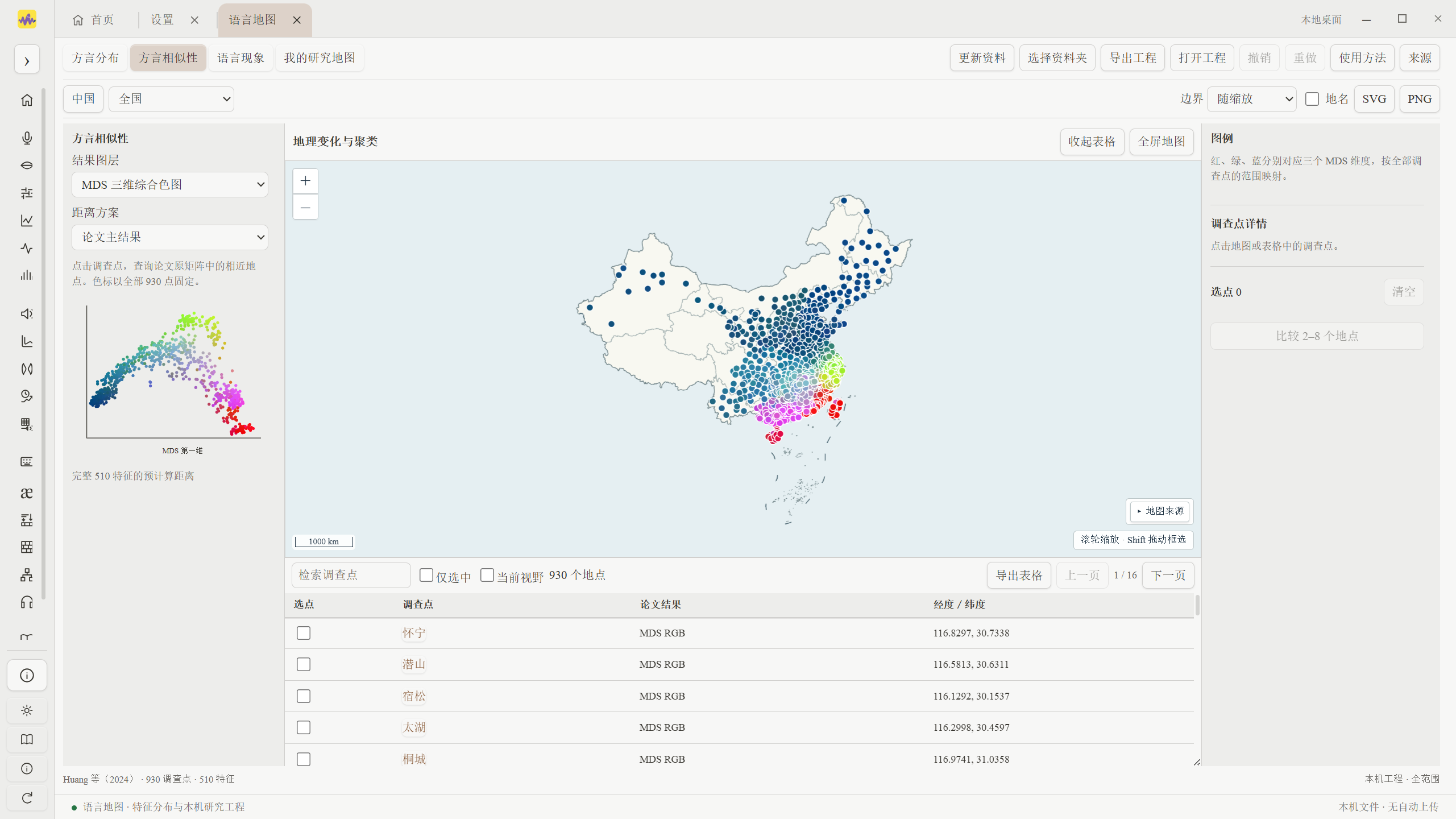
Dialect similarity displays the paper's existing MDS, clustering and distance results. Find similar sites, compare records feature by feature and export tables.
My research map supports locations, IPA and notes, drawn regions and annotation lines, imported location tables, project saving/reopening, and PNG, SVG and table exports.
Download map data directly from the server. The complete set is approximately 91.5 MB, or 27.6 MB compressed in transit. It loads automatically after download, with progress, cancellation and retry controls. Local data is reused on reopening. Existing data folders can also be selected, and personal edits remain local. References now include both atlases, the research paper, Zenodo data and Shaozi's compilation; the user guide is updated too.
The China basemap uses DataV GeoAtlas with source, version and educational-use notices retained. Municipalities, Hong Kong, Macao and directly administered areas follow their actual hierarchy. Areas without finer source boundaries can be viewed as a whole. Boundary levels follow zoom to reduce repeated outlines. Original site coordinates, categories and paper results are preserved.
TextGrid annotation
Highlight: edit up to three custom interval tiers together, with separate switches for boundary snapping and cross-tier association. Search/replace, intensity fitting and the IPA keyboard are grouped in the top toolbar.
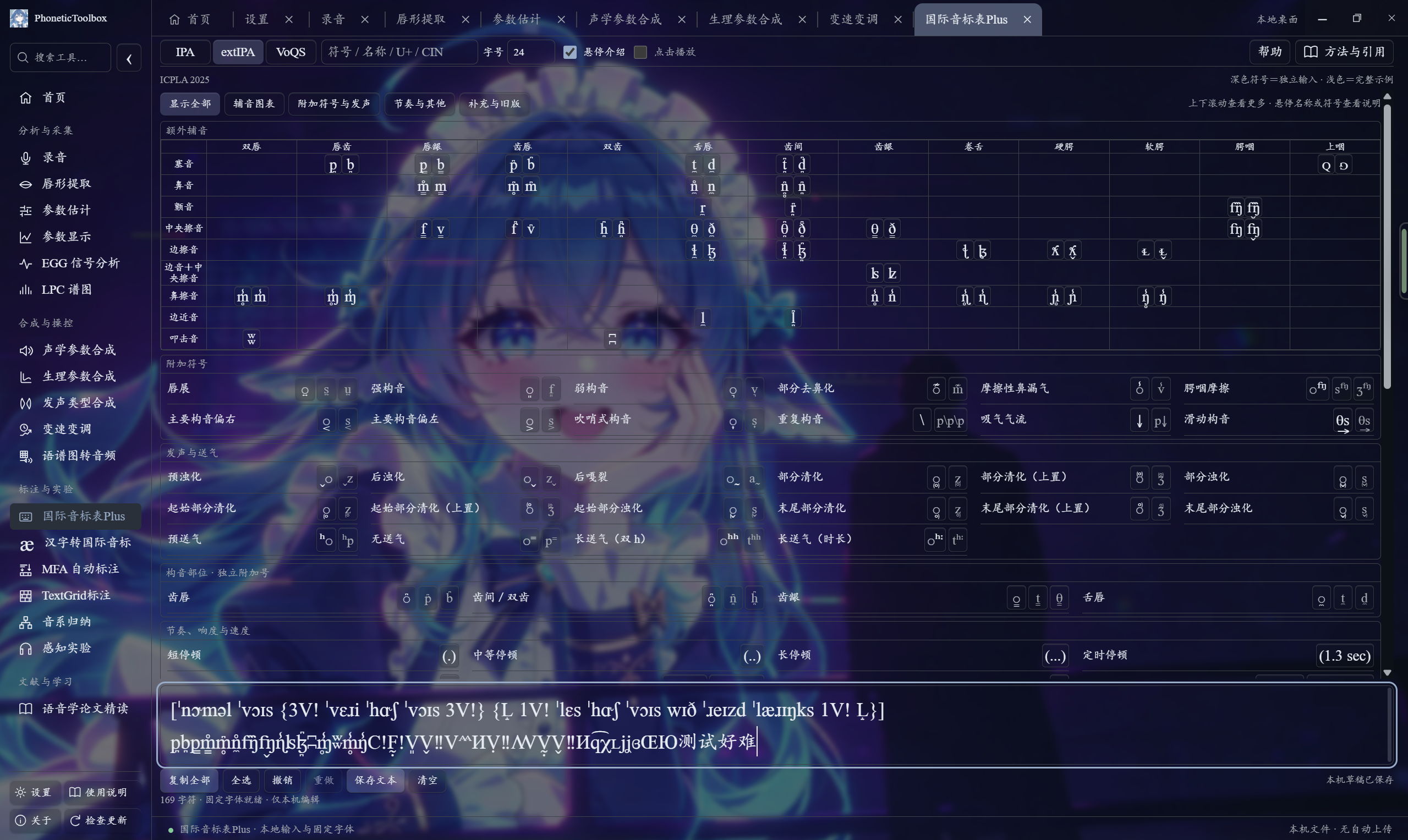
New IPA, extIPA and VoQS keyboards can be dragged, resized and have their text size adjusted, retaining phonetic symbols and combining marks.
Fixed edit restoration, undo and keyboard input after switching files, preserving other tiers in the original file.
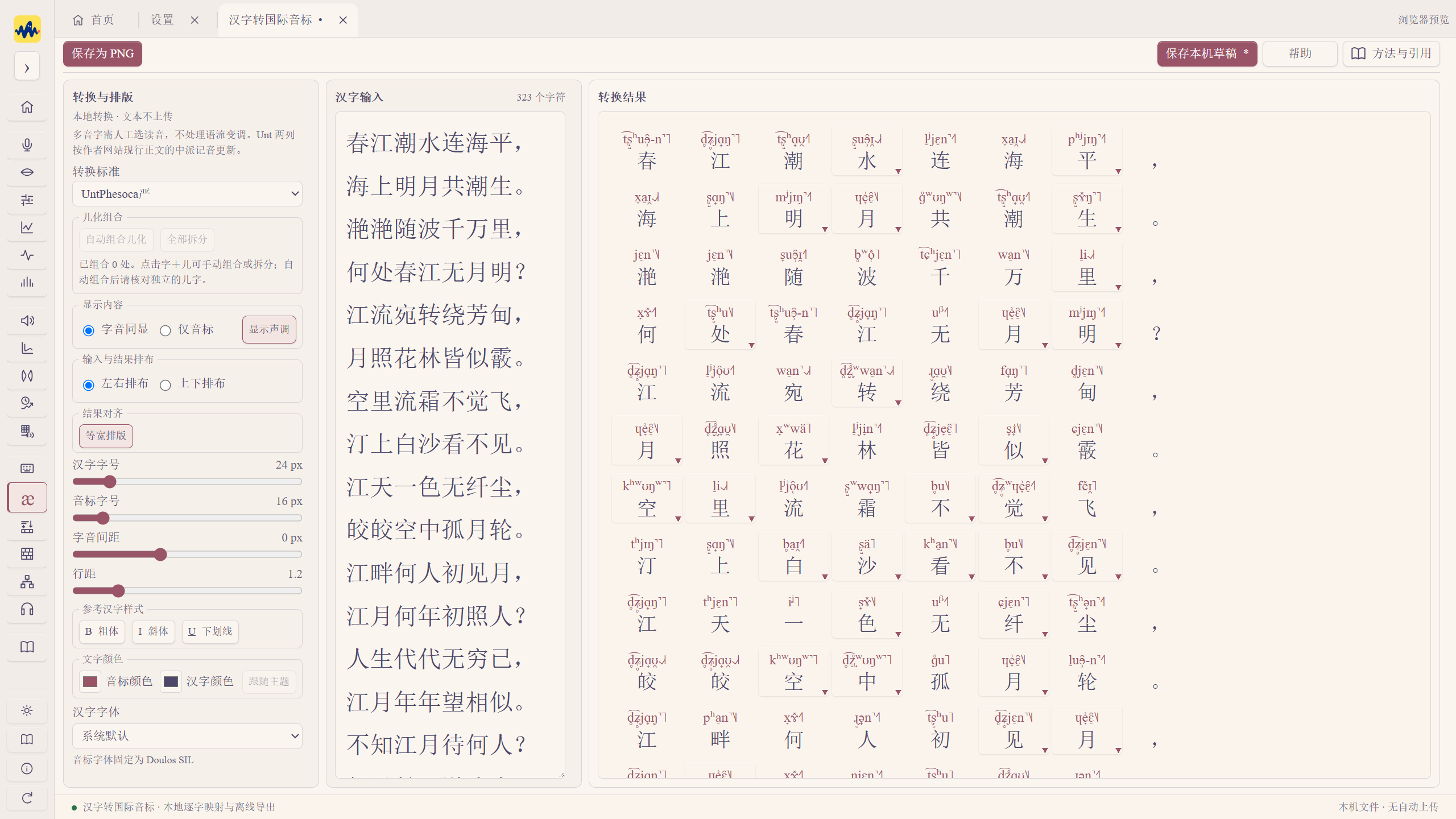
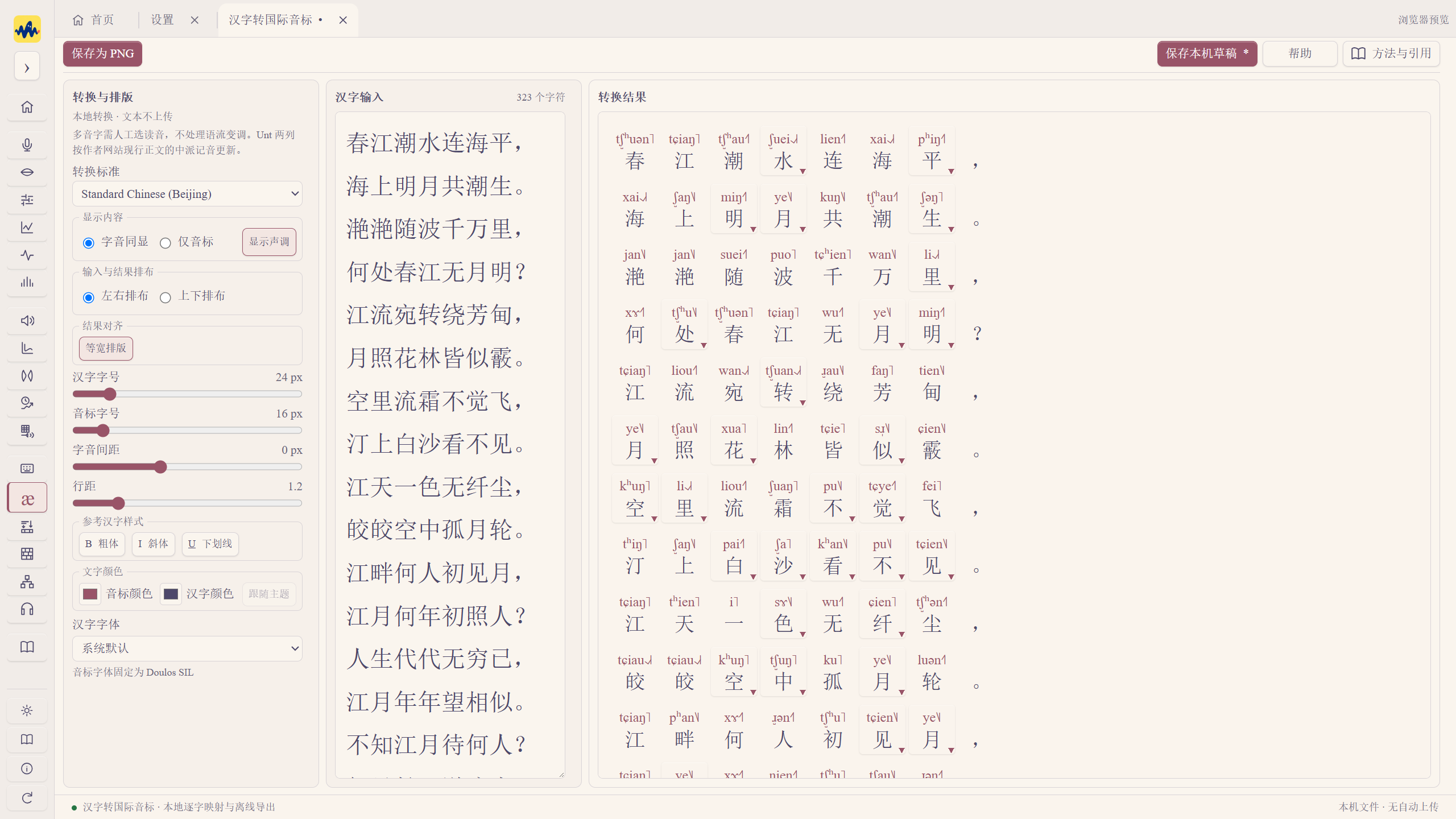
Chinese-to-IPA transcription
Import, save, replace and delete custom character-to-pronunciation or pinyin-syllable tables. Choose a worksheet, columns and starting row, preview, then save. Multiple readings are retained.
Keep original tones, convert to five-level tone values or define mappings by category. Original IPA is preserved.
Preview PNG exports with a solid color, transparency or background image; adjust background blur and brightness.
Synthesis, time/pitch manipulation and playback
Delete saved articulatory configurations. Cancelling preserves the list; deleting a custom configuration with a built-in name restores access to the built-in configuration.
Fixed synthesis interval boundaries, motion restoration, model configurations, playback compensation and video parameter display. Improved posture retention after stopping, keyframe import and draft export following save failures.
Time/pitch manipulation supports combinations of rates and pitches and batch saving across files, with vertical time reference lines and optional filename numbering.
Phonation result groups are named by actual direction, continuum type and step count. MFA results prioritize original audio filenames.
New automatic playback gain in Settings. Perception experiments have an independent volume control, separating formal stimuli from preview playback. Original audio and research exports retain their values.
Perception experiments, paper reading and everyday use
Perception experiments add keyboard controls, scorable answers and participant-score analysis, recording reaction times, accuracy and experiment volume.
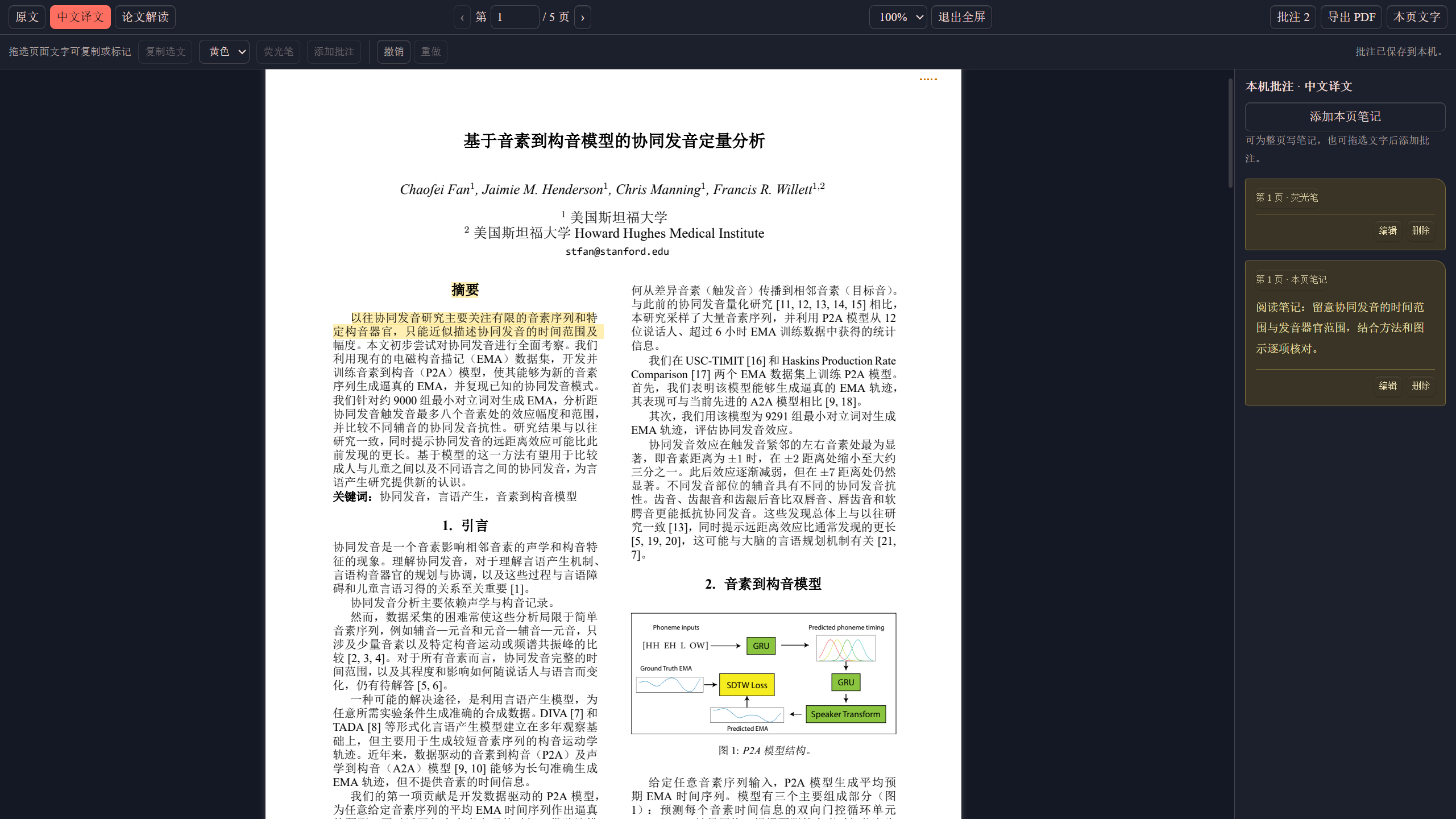
Paper reading improves text selection, highlighting, notes and undo, supports DOI lookup, and adds translated reading materials from more journal papers.
Unified language-map button text sizes; improved legend spacing, multi-map titles, selected-site outlines and comparison-table paging. Source panels expand/collapse with less obstruction in multi-map views. Fixed edit overwrites, late responses and undo during data import and project restoration.
Improved IPA chart and guide switching, scrolling and window response, with fewer desktop-control scans and repeated content updates. Validated map data reuses parsed results; switching maps or distance measures avoids rereading the entire dataset. Multiple maps share basemap projections and collapsed panels release references.
New application announcements. An online workbench can receive notices, each shown automatically once per device and available to reopen later. Notices do not interrupt recording or experiments; later notices do not require reinstalling the software.
Each guide chapter begins with a short-video link to the corresponding website tutorial. Four published videos were added, with entries reserved for language maps and future tutorials.
Fixed temporary paths used by compatible video playback in Mac lip tracking.
Windows installation now reports a clear failure if runtime preparation fails, so space and permissions can be checked before retrying.
Improved saving when switching research projects, including result retention and retry after failure. Fixed late playback after leaving a page and stale page caches during local paper-library switching and refresh.
Those are the main changes. Instructions are in the guide; please keep sending Shaozi specific steps for any problems you encounter. ヽ(。・ω・)ノ
v3.0.4✦
PhoneticToolbox 3.0.4 · Windows release notes
PhoneticToolbox 3.0.4 for Windows is here! ヽ(。・ω・)ノ
This update adds several Windows features and fixes bugs found through everyday use. Here's what changed.
Articulatory synthesis
Save multiple named configuration sets for different pronunciation systems. Create, duplicate, rename and switch sets, each with its own common configurations. IPA input uses the active set, while existing keyframes are preserved.
Added male/female models, independent upper/lower lip control, and editing for closure, release, aspiration and positive/negative VOT. Generate sequences from saved symbols and adjust durations by sound class.
Fixed missing prevoicing, movement transitions and total duration; removed the Add aspiration segment button.
Timing and editing explanations at the right are collapsed by default, leaving parameters and key moments visible.
Adjust F0, driving pressure, jitter and shimmer for a full sequence or selected interval; overlay suprasegmental changes by time or keyframe. Intensity here controls driving pressure, and jitter/shimmer intensity scales are not acoustic measurement percentages.
Select configurations to share, select/deselect all and import as a new set. Fixed names, legacy configuration loading and saving multiple sets.
Smoothed tongue-body/blade transitions and fixed drag dead zones, short playback and empty-curve editing. Playback retains the final lip position. Preview and video preparation now support up to 60 seconds.
TextGrid annotation
Save current edits before switching files and continue on return. Retain original annotations and the latest 50 local history entries, with restoration options.
Fixed boundary deletion and restoration after file switching. Delete, Backspace and the delete button now use the same operation.
When reusing reference annotations, take the time intersection of matching tiers within the selected range; preserve current annotations outside reference coverage.
Double-click to set boundaries at audio endpoints in waveform, spectrogram and tier views. Files with annotations again show theme-colored markers.
Parameter display and LPC
Parameter plots follow your selection. Selecting adds a plot immediately; deselecting removes it. Each plot window retains its own choices, which remain editable when enlarged.
Updated curve colors, line widths and grids. Legends are more compact, with wrapping for long names. PNG, SVG and full-figure exports share the new layout.
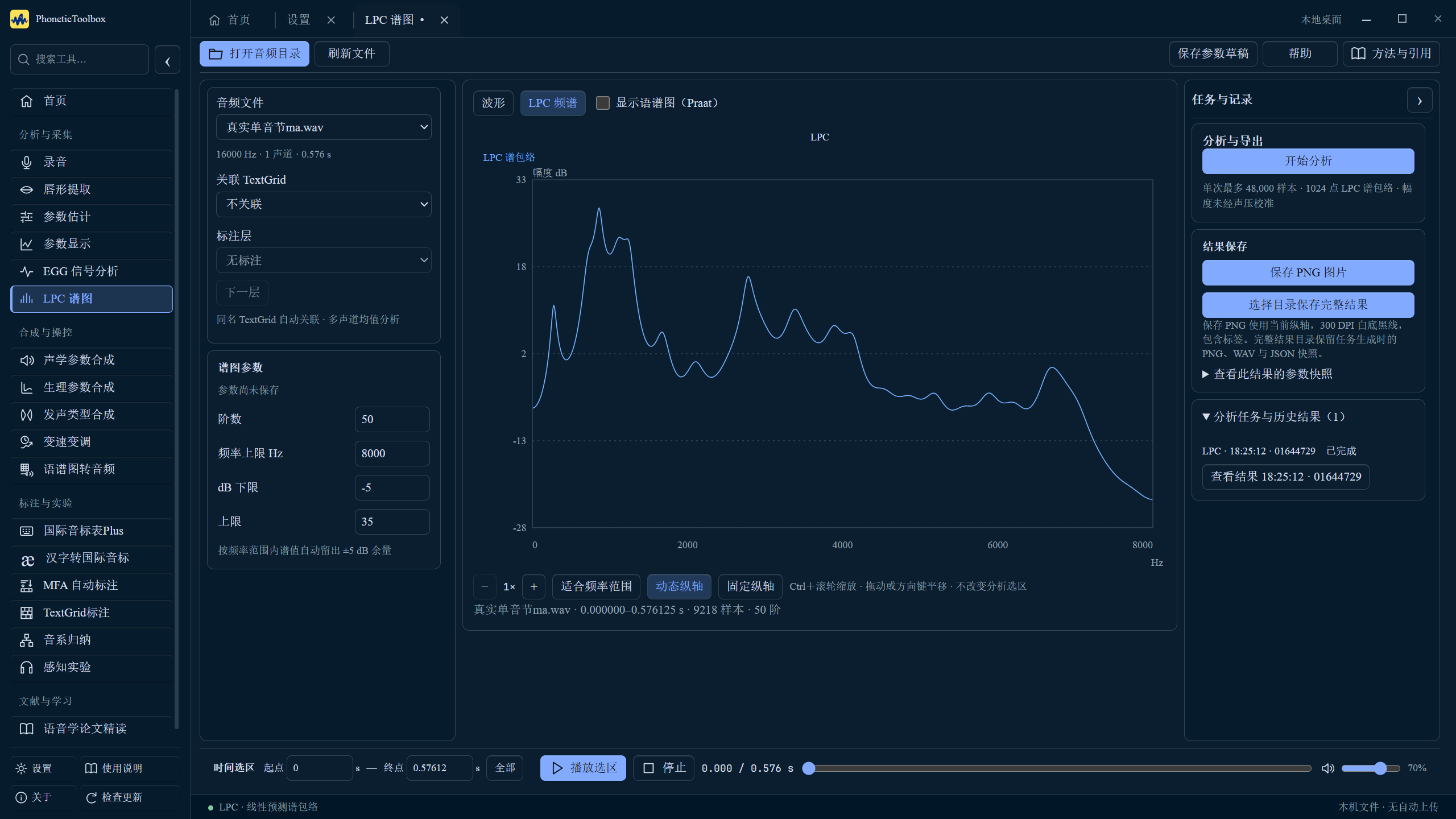
Choose the LPC analysis channel explicitly and overlay an FFT reference spectrum from the same selection. Peak alignment supports shape comparison; saved images include the reference.
Recording and lip tracking
Fixed new recording tasks unexpectedly switching back to the previous task. Unified five export scopes: current recording, selection, selected tasks, all recordings and all history. Batch export works even when the current task has no recordings.
Recording preparation prompts identify missing projects or devices. Task examples are directly editable Excel workbooks. Ctrl + wheel zooms the time axis of waveforms and spectrograms.
Choose a microphone, external sound card or line input before lip-tracking preview. Refreshing and changing modes preserve the choice. After granting permission, refresh to read device names.
Added synchronized picture and soundtrack playback for offline video. Supports MP4, AVI, MKV, MOV, WMV, M4V and WebM input; videos are saved as MP4. Capture statistics and current offline results appear separately.
Spectrogram-to-audio
For hidden information in audio, selecting a clip automatically displays the editable spectrogram. Adjust image height and maximum display frequency without losing strokes; brush sizing is corrected.
Everyday use
Choose the portable edition's cache folder on first launch. View and open its actual location in Settings; replacing the EXE retains it. Known old caches are listed for review, with cleanup confirmed by the user.
Updated instructions and screenshots for parameter display, LPC, lip tracking and recording.
Thanks to everyone who sent specific reproduction steps. Wishing you smooth recording and annotation!
Reports of slowdowns led to fixes for repeated plotting, page rebuilding and idle background work. The application is smaller too.
Less repeated computation
Navigation within a guide chapter retains its content and media player. Reduced rebuilding when locating sections and returning to pages.
Returning to a paper after switching tabs reuses the rendered PDF. Initial rendering follows the actual window width; zoom or real size changes trigger updates.
Parameter plots, recording waveforms, pitch history and F0 comparisons reuse existing curves, with less unnecessary work while dragging selections or moving cursors.
Hidden, idle pages pause automatic queries, and the hidden vocal-tract monitor pauses too. Computing and recording tasks remain monitored; returning refreshes immediately.
Changing an EGG spectrogram's dB display range reuses computed scientific results and redraws the grayscale image. Scientific data and output precision are preserved. Actual signal or analysis-range changes still trigger updates.
Spectrogram-to-audio
Predict window length and dynamic range entirely offline. Enter duration, frequency range and coordinate type before prediction. Predictions remain editable, and reconstruction retains manual settings.
New tasks use Griffin–Lim with momentum 0.99, with 32 iterations by default and up to 256. Short-window phase initialization retains separate automatic, on and off options. Existing tasks keep their original algorithm semantics.
Full neural reconstruction still uses a separate scientific component. Its environment and weights are not included in the main application.
Paper reading
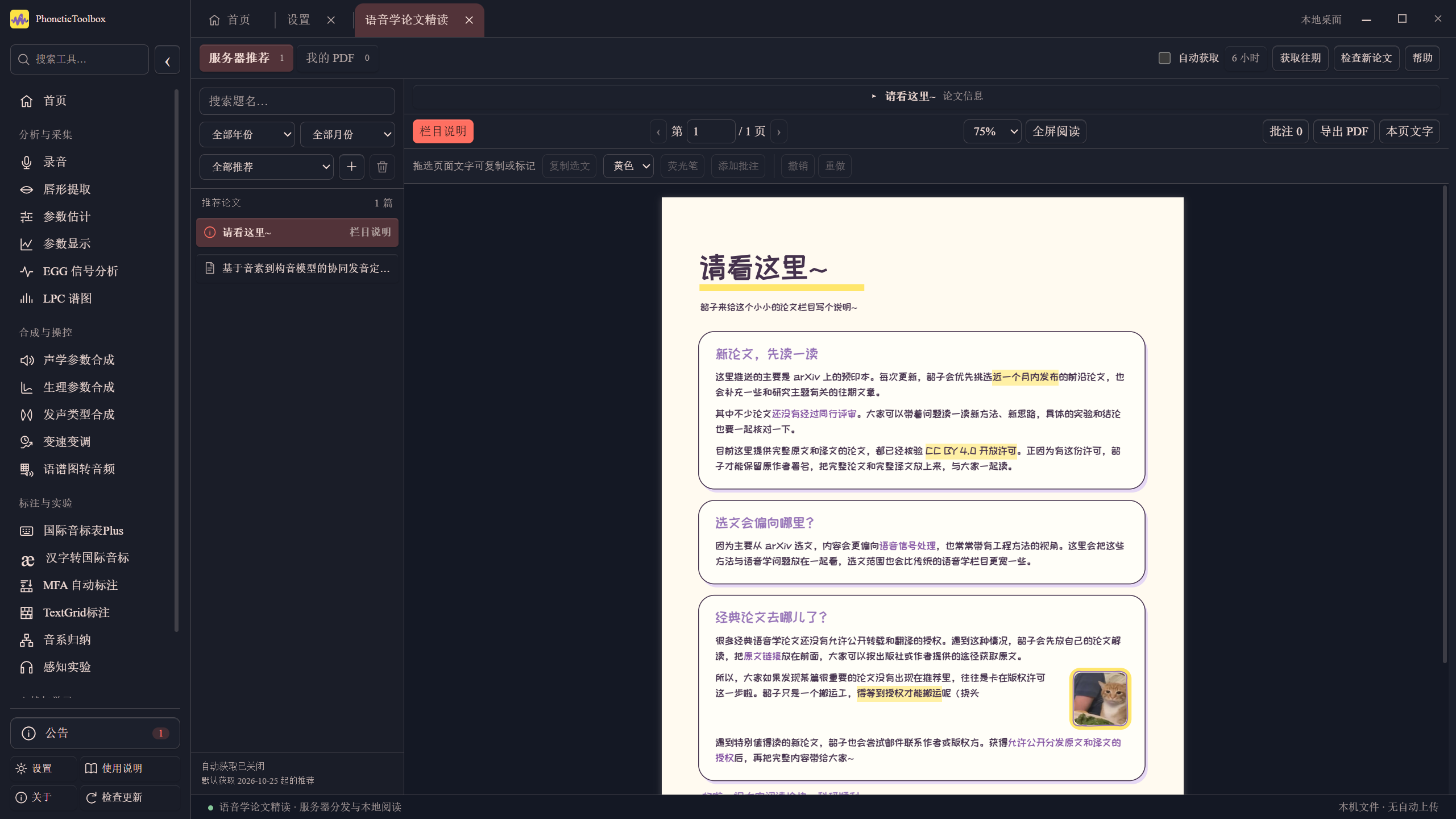
The paper reader's column notes can be removed locally and retrieved again from the archive, with existing notes preserved.
Smaller packages
Removed unused tests, editors, help files and bundled model data.
This update focuses on small bug fixes. Here are the details.
Decimal input
Numeric fields preserve the decimal being edited and the cursor position. Fixed spectrogram time fields turning 0.1 into 10, EGG duration fields turning 1.2 into 102, and F0 table refreshes changing 150.25 into 15025 .
Related fields were checked too: playback times, plot windows, annotation offsets, F0 tables, MFA settings, IPA text size, PDF pages and recording selections. Delete, retype or insert while editing; values are committed with the original range and precision when editing finishes.
Clearing a playback time field preserves playback state and prevents invalid time displays.
Parameter estimation/Parameter display
Parameter estimation keeps loaded pages and inputs after switching tabs. Continue on return; resources are released when the tab closes.
Waveforms and scientific plots retain valid dimensions while hidden, reducing redraws and spectrogram requests on tab switches. Cursor and marker changes reuse curves; actual zoom or data changes still refresh.
Consecutive identical text annotations are displayed together. Fixed identical labels repeating on every frame in parameter plots and full-length waveforms. Different labels, blank gaps and matching labels after gaps remain separate.
Batch processing and saving for lip tracking
Select multiple offline videos, analyze them in sequence and save each to history. New tasks restore source-video playback when reopened.
Result saving is more prominent. Defaults select HD 1080, video and animation; for multiple files, save successful results from the current batch.
Choose an output folder once for batch saving. Choose whether to apply offsets, using each video's own value. Saving only MP4 or GIF produces the selected format and reuses existing analysis frames.
GIF again includes the complete internal mesh, using the same facial area, displayed frames and time span as MP4.
A small library for your backgrounds
Store up to 8 background images locally. Click thumbnails to switch images or remove individual images. The library remains when backgrounds are disabled and restores your last choice on reopening.
New users start with the Absolutely palette; existing selections are preserved. Light, dark and follow-system previews now show the workbench and waveform plot.
Default automatic cleanup now retains unexported results for 3 days and exported copies for 1 days. Existing saved retention settings are preserved.
Paper reading and IPA chart fixes
PDF pages retain white paper and original text/chart colors in dark mode with a background image. The same adjustment applies to the original paper, Chinese translation and reading notes, with text selection and annotations still available.
IPA Chart Plus section buttons, version information and input instructions scroll with the chart to avoid covering symbols. The text editor below remains visible.
Removed update prompts from Chinese-to-IPA conversion. Placeholders and empty-state messages use the selected large text size, font and line spacing.
Articulatory-synthesis dropdowns now have matching light/dark background and text colors, fixing pale text on a white menu in dark mode.
Wishing you smooth recording, experiments and paper reading! Shaozi is off to fix more bugs.
v3.0.1✦
PhoneticToolbox 3.0.1 · Release notes
Here we go,PhoneticToolbox 3.0.1 is here! ヽ(。・ω・)ノ
This update refreshes the appearance (including custom background images), replaces the default icon after feedback that it resembled the Yellow Dragon Flag, fixes articulatory synthesis, adds deletion controls to paper reading and an inversion control to image-to-audio reconstruction. Details below.
Make the workbench feel like yours
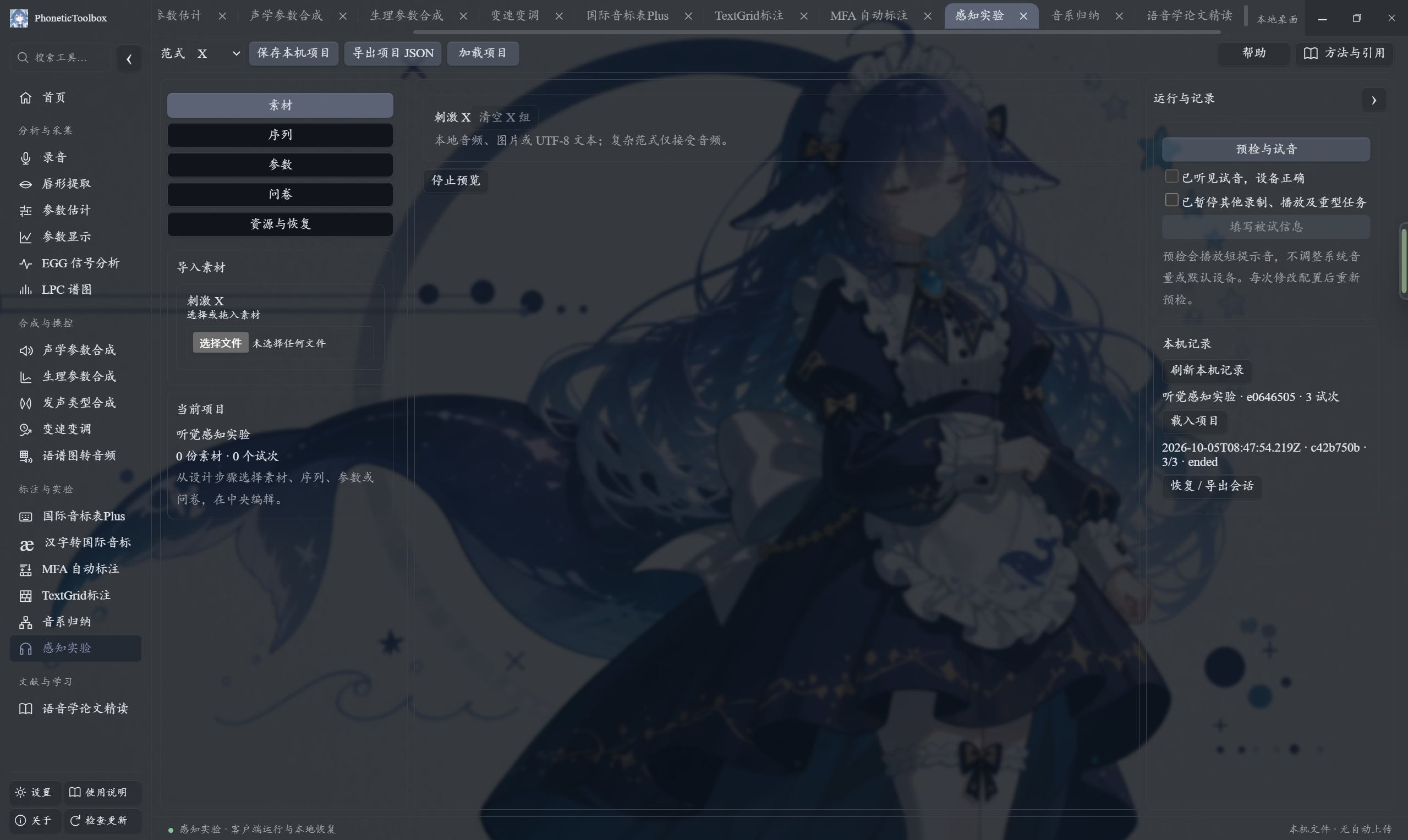
Use your own background images. Upload a local image and adjust blur and opacity. Choose colors with a palette, eyedropper or HEX code to generate matching light/dark schemes, or sample colors directly from the background.
Buttons take on a frosted-glass finish when a background image is uploaded. Adjust glass opacity and Gaussian blur separately. Popovers, dropdowns and scientific plots retain solid backgrounds so text and signals remain readable.
Settings categories scroll with the page. Selected buttons and tabs use background/text colors instead of an outer border.
Click Follow system, Light or Dark cards to switch directly.
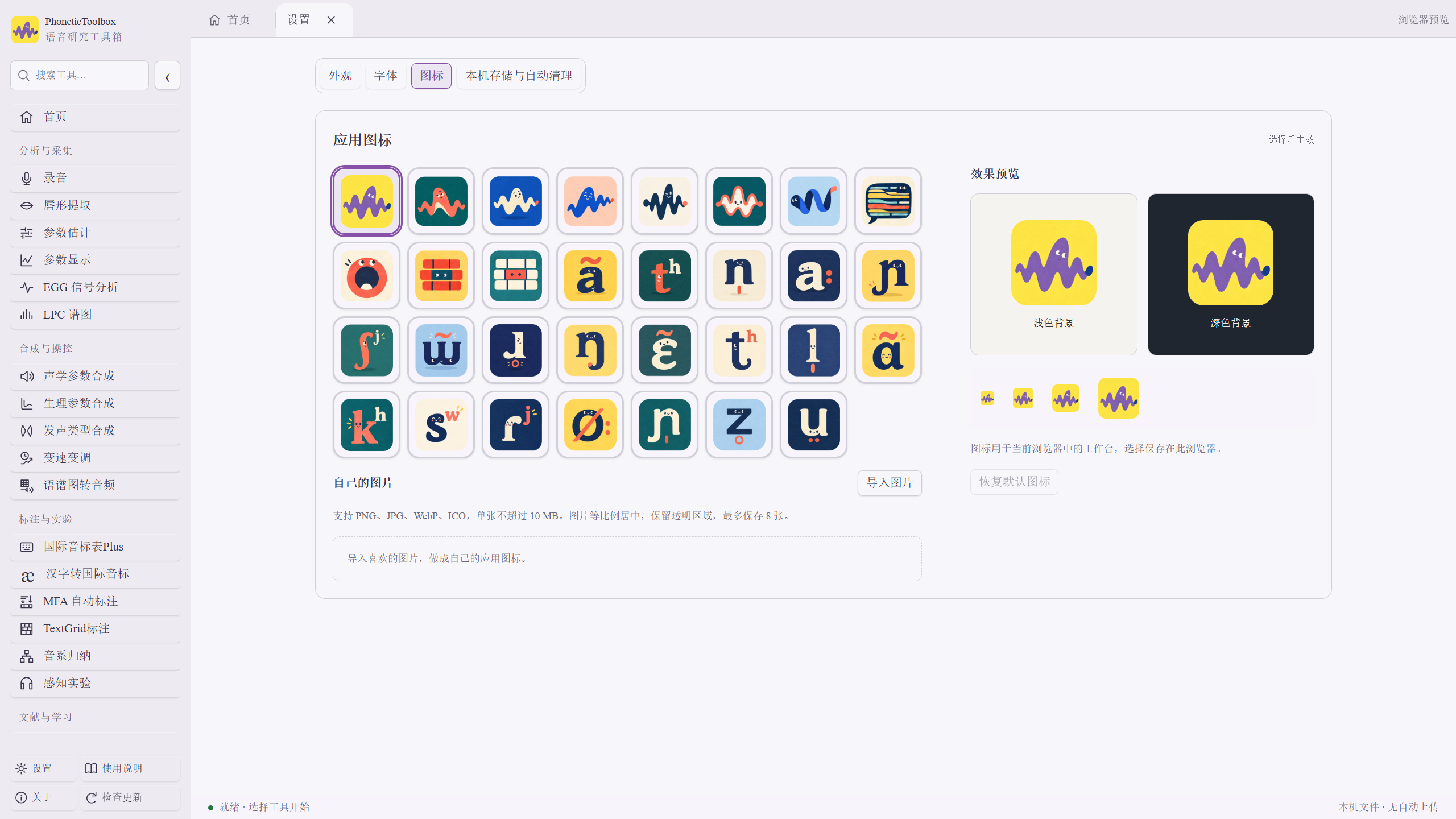
Crop an imported icon before removing its background. Adjust the crop ratio, remove a solid background, sample colors from the original and set color tolerance. Existing icons can be recropped from their saved originals.
New default icon; 31 built-in icons remain available. Adjust the home icon between 50% and 300%, or reset it to default.
There is a little more room now to make the workbench your own. Research should leave room for enjoyment too.
Articulatory synthesis: refining tongue and vocal tract
New local control points on the tongue body and underside. Refine local shape within the overall configuration; changes are retained in saved configurations and keyframes.
Add aspiration frames to continuous movements. The default name is ʰ and can be edited. Common configurations can be selected from built-in and saved configurations.
Improved transitions between the tongue, teeth, jaw and floor of the mouth. Fixed airspace-fill gaps near teeth and abrupt steps when the tongue underside passed the lower teeth.
Fixed mismatches between vocal-tract geometry and acoustic area; a small gap had remained in the previous release.
The midsagittal view keeps 11 control points visible, including the uvula and upper/lower lips. The three-dimensional view shows 14 points; lateral edges remain editable there and in cross sections.
The default is 65 sampling sections, with 129 or 257 still selectable. Updated default t, l and n configurations and removed the default s configuration. Saving/loading is grouped under Saved configurations.
Ctrl + wheel synchronizes zoom in the live waveform and spectrogram. View as little as 1 ms. Amplitude can fit weak signals automatically or stay fixed at ±1; double-click to reset the displayed duration.
Images and papers
Image inversion for spectrogram-to-audio. Swap dark and light regions of white-on-black or black-on-white images before reconstruction.
Right-click to delete entries in the paper list. Recommended papers can be downloaded again from the archive after removing the local copy. Personal PDFs can be moved to the system Recycle Bin.
The annotation sidebar adds page notes without selecting text first. Quoted text uses the built-in font; multi-author name display is improved too.
Column notes are pinned separately; revised content reopens the corresponding PDF.
Update notes
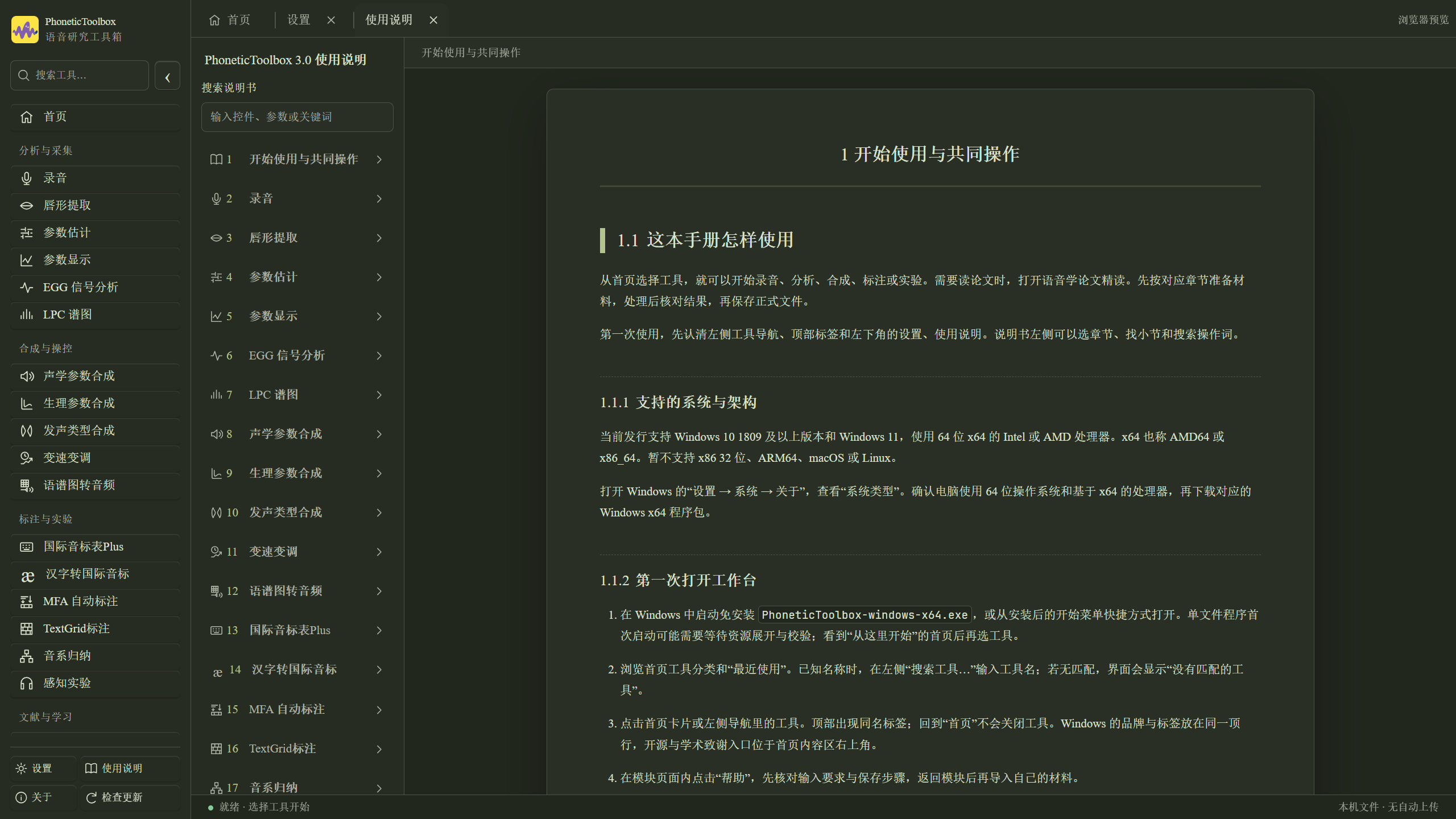
The update window compares current and new versions. Notes support lists,bold highlights and common Markdown, with scrolling for long notes. About-page links share consistent highlighting. The guide adds instructions and examples for these controls. Use Help when a module's parameters need explanation.
Which download?
Currently available for Windows 10 1809 or later / Windows 11, x64. Download the attachments here, or visit theofficial website ↗。
How you want to use it
Choose this download
Install for everyday use
PhoneticToolbox-3.0.1-windows-x64-setup.exe
Keep it in your own folder and run directly
PhoneticToolbox-windows-x64.exe
Get the complete update package
PhoneticToolbox-3.0.1-windows-x64-portable.zip
All three files contain the same application and prepare runtime files on first launch. MFA's environment, models and dictionaries are installed separately.
Give it a try! Send problems to Shaozi through in-app feedback. Wishing you smooth recording, experiments and writing.
v3.0.0✦
PhoneticToolbox 3.0.0 · Stable release
Here we go,PhoneticToolbox 3.0.0 is here! ヽ(。・ω・)ノ
PhoneticToolbox has been reorganized. Recording, acoustic analysis, annotation, synthesis, perception experiments, phonetic symbols and paper reading now share one workbench.
The main upgrade brings the interfaces, controls and user guides for 18 tools together. Keep tools open in tabs. Switch from analysis to annotation or parameters and return whenever needed, without closing windows or losing track of your work.
What's new in v3?
The tools finally share a home
Version 2 had a variety of windows and entry points because modules were developed individually as needed. Version 3 organizes them into a shared sidebar and tabs, with unified colors, fonts, page zoom, file operations and guide. Comparing results across modules is more consistent and easier to navigate.
Waveforms, spectrograms, parameter tracks and TextGrid share time positions in their respective tools. Locate a short speech segment, then inspect its signal, labels and values together.
Room for each step, from recording to experiments
Recording has its own workbench. Record freely or follow a task list, edit, adjust gain, reduce noise and export WAV. Save tasks and recording projects to continue later.
TextGrid annotation joins the shared workbench. View audio, annotation tiers and lip curves together. Edit boundaries and text, save, then continue to analysis.
MFA forced alignment adds component installation and environment checks. Prepare audio and transcripts, run forced alignment, then review results manually in the TextGrid tool.
Perception experiments return to the workbench. Design X, AX, ABX and AXB experiments with stimulus associations, shuffled trials, questionnaires, response keys, pause/resume and result export.
The aim is to let prepared materials follow your research workflow, with less moving between disconnected tools.
Synthesis and pitch manipulation with results in view
Parameter estimation, display, EGG and LPC stay in one analysis workflow. Acoustic, articulatory and phonation synthesis provide different routes to editing parameters and making stimuli.
Time/pitch manipulation supports direct F0 editing, imported pitch sequences and batch generation, comparing original audio, synthesized waveforms and actual output F0. Spectrogram-to-audio supports image reconstruction, drawings and information drawn into an audio spectrum. The vocal-tract workbench supports configurations, keyframes, sound generation and motion videos.
There are controls for creating continua, changing tone contours and exploring what a spectrogram can sound like. Parameter details and method sources are available in each module's Help and references.
Phonetic symbols and dialect wordlists
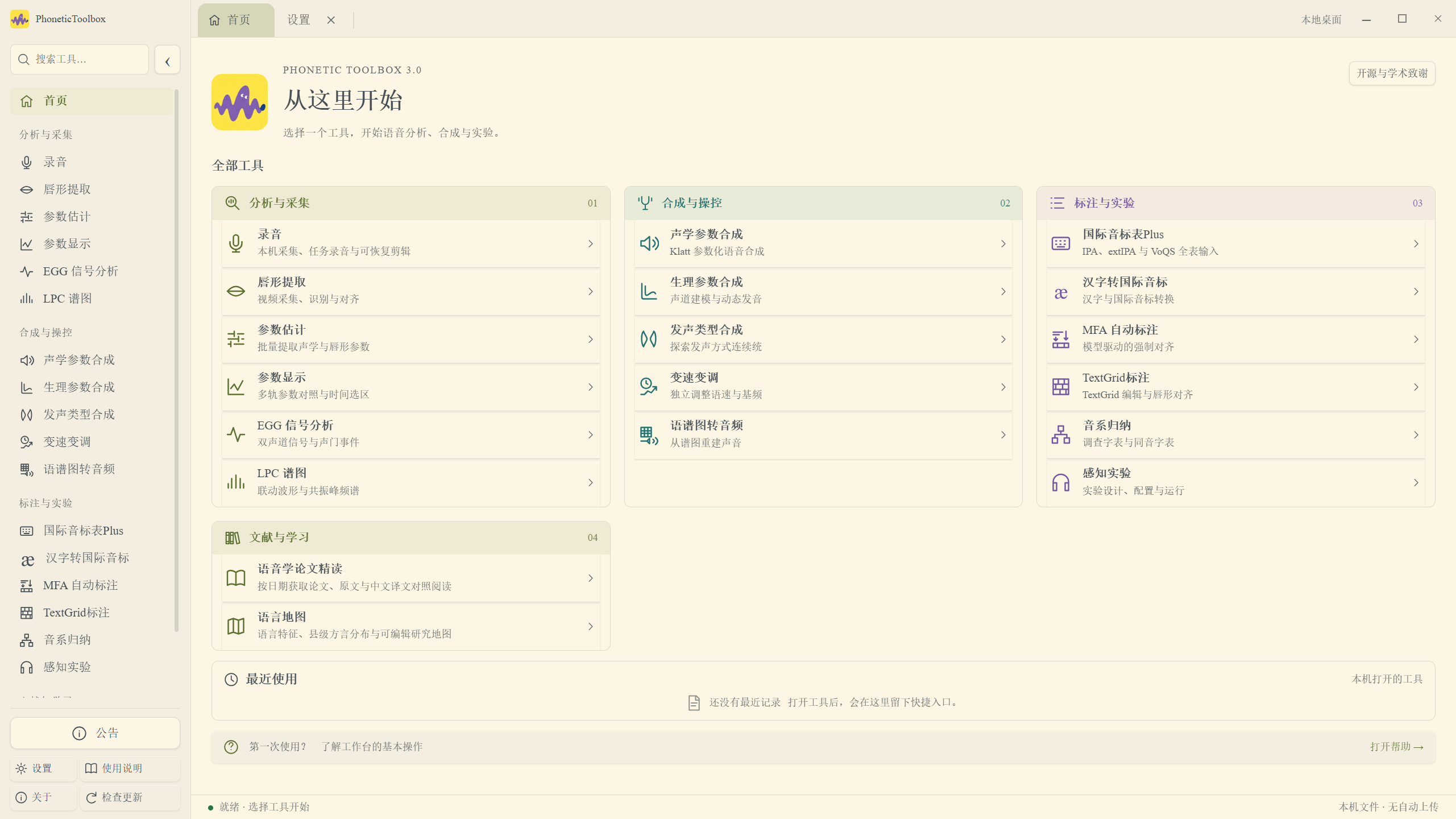
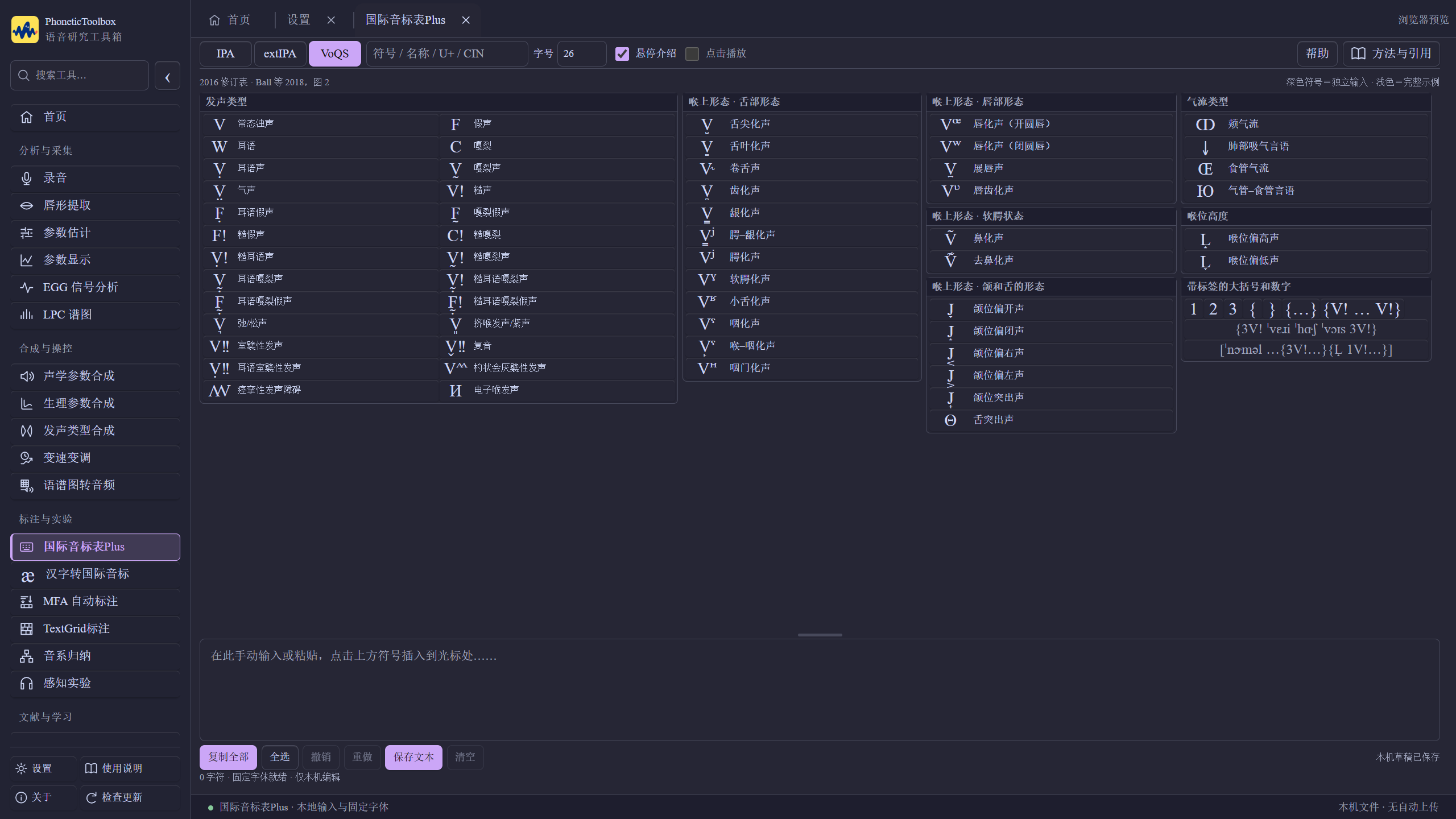
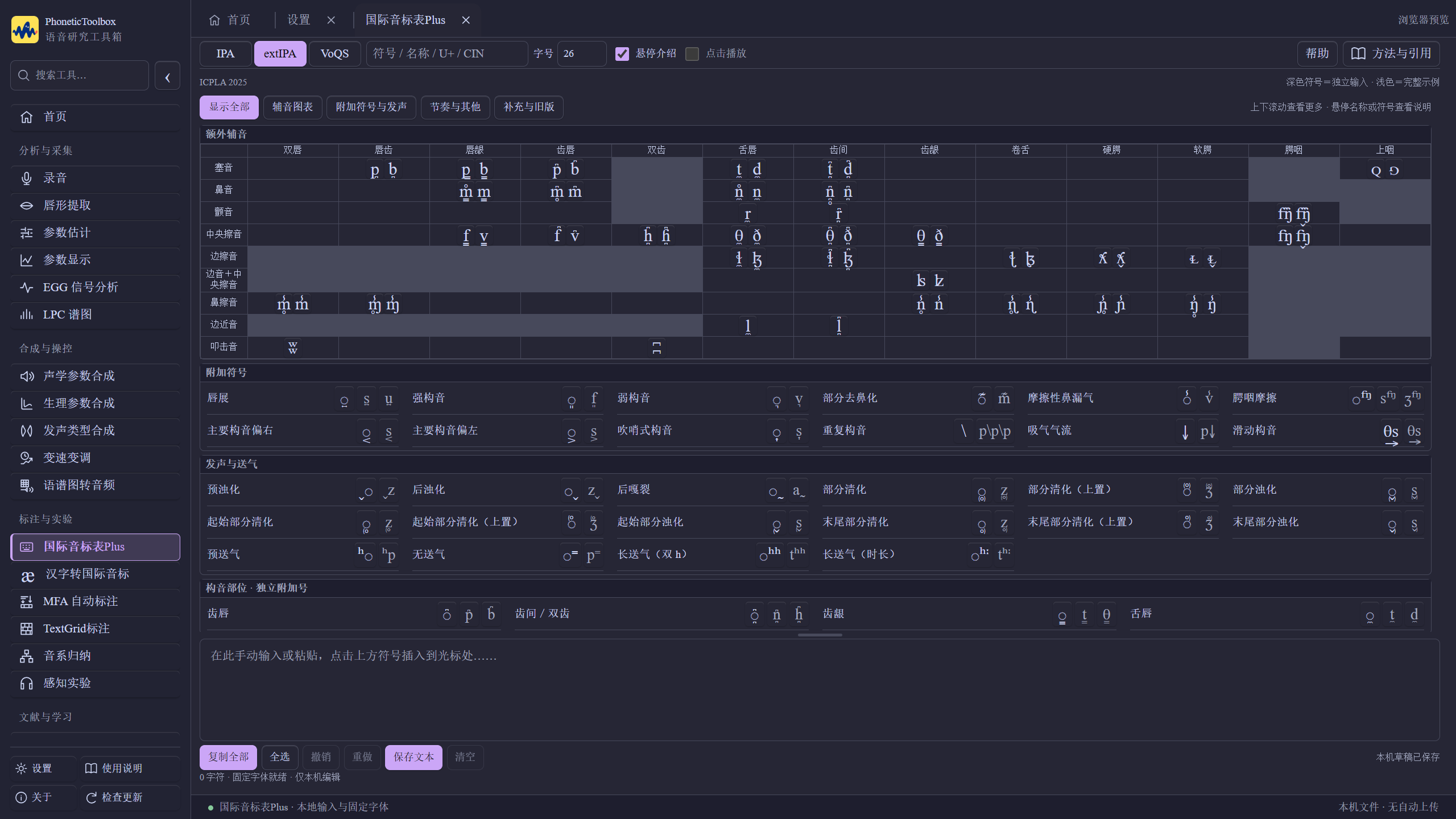
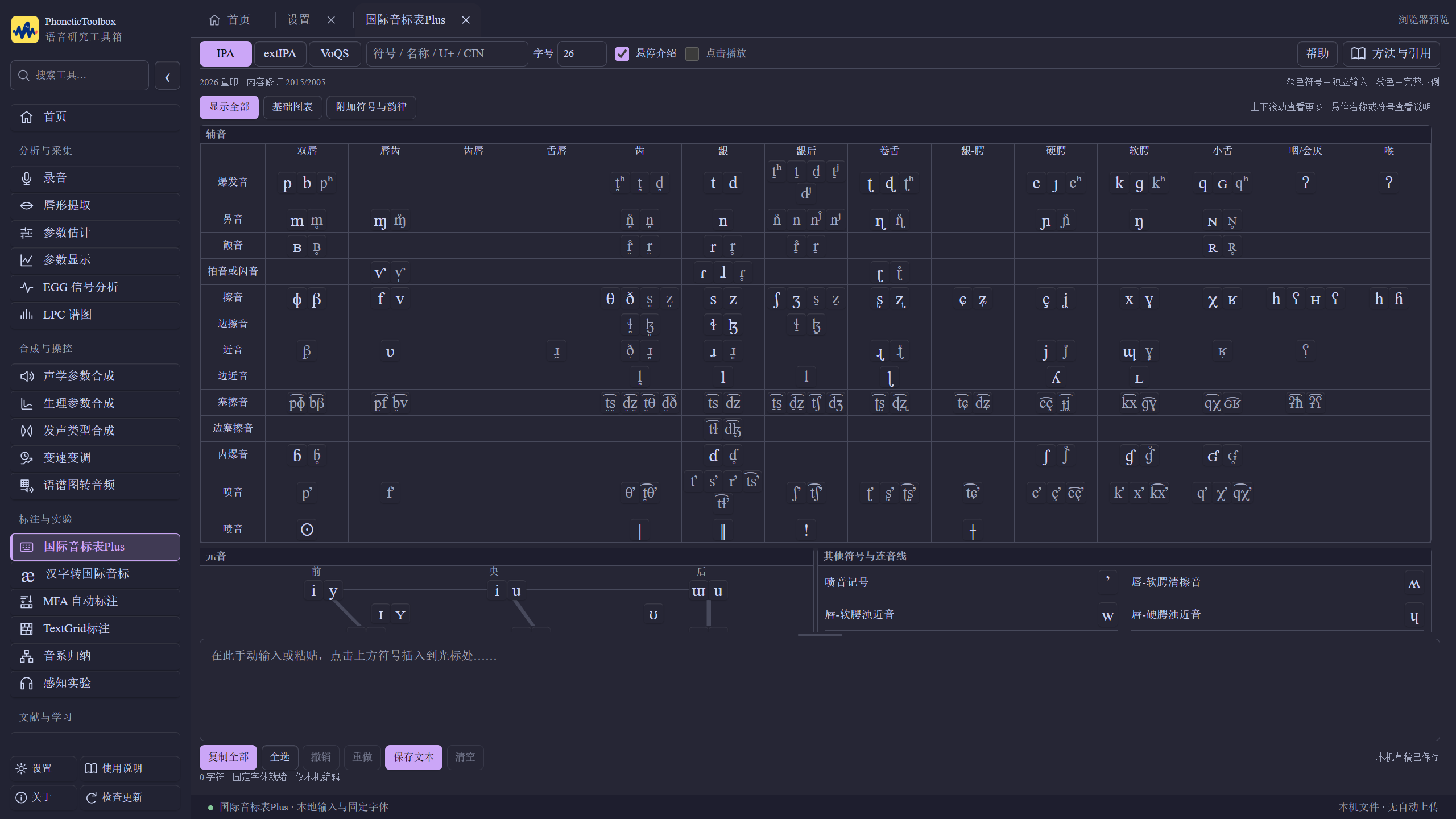
IPA Chart Plus Browse IPA, extIPA and VoQS, look up symbols, combine them, and copy/export text. Example-sound playback is not available yet. Chinese-to-IPA supports characters and pronunciations together, tone/layout settings and individual reading choices for polyphonic characters.
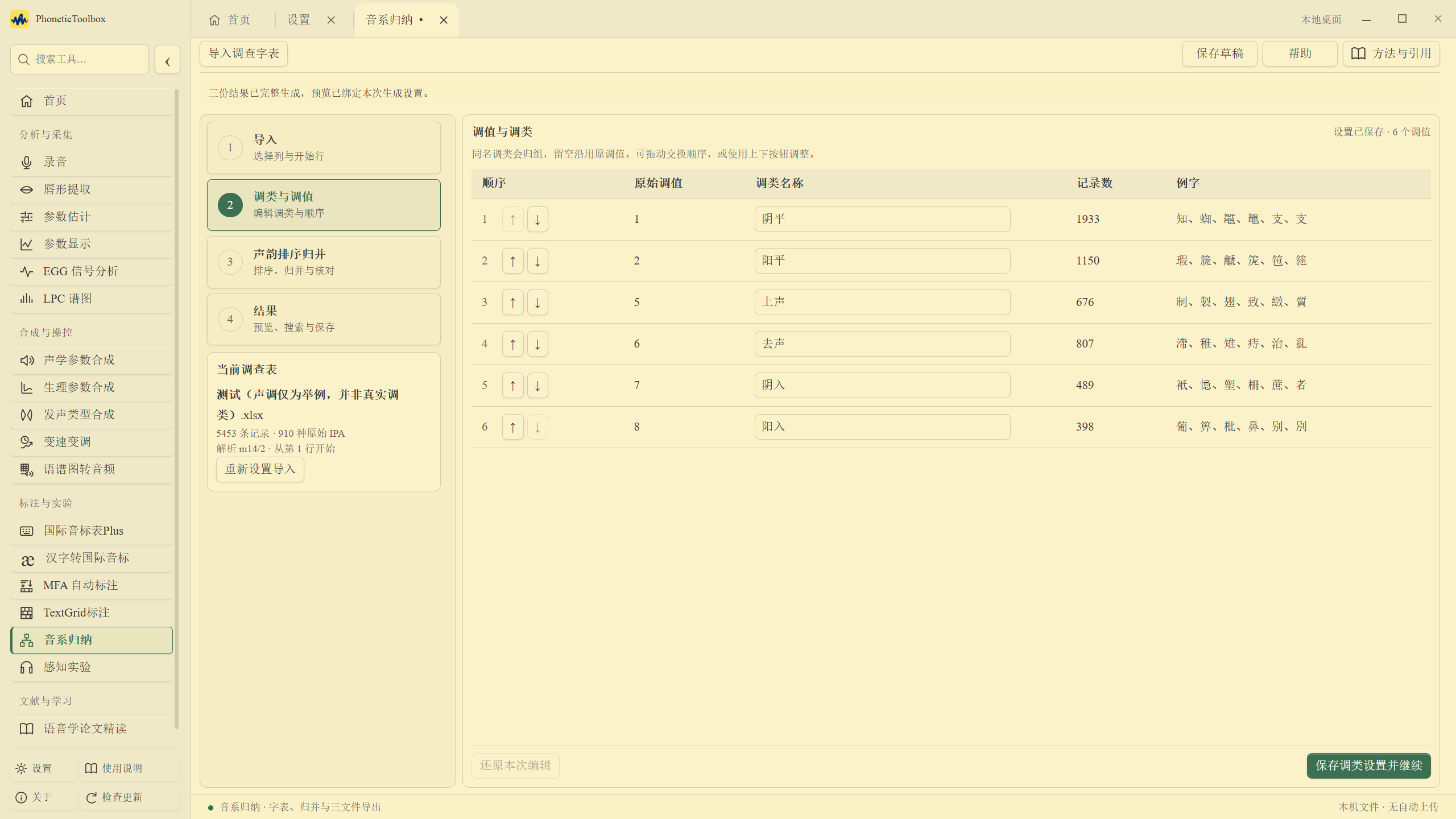
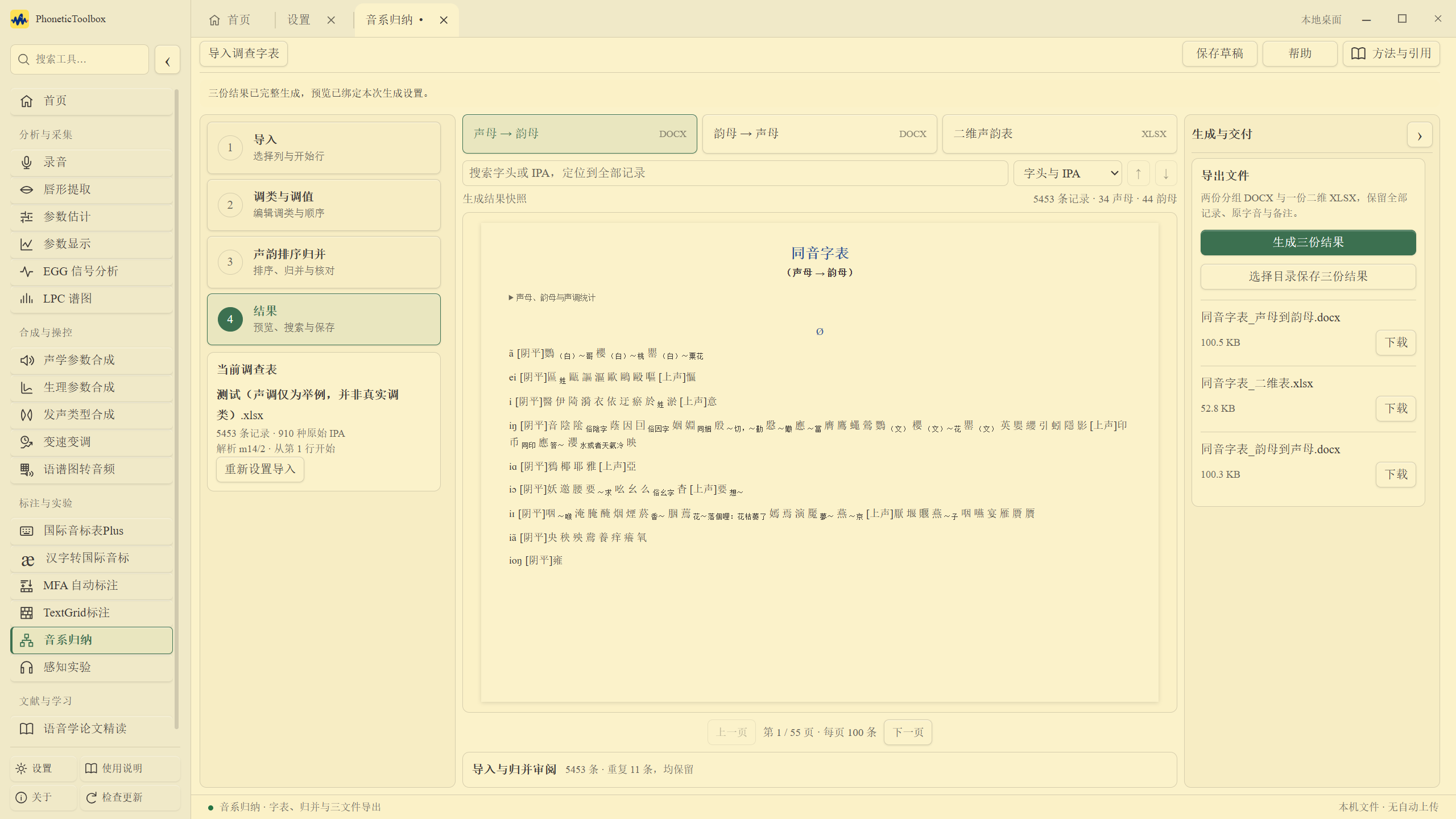
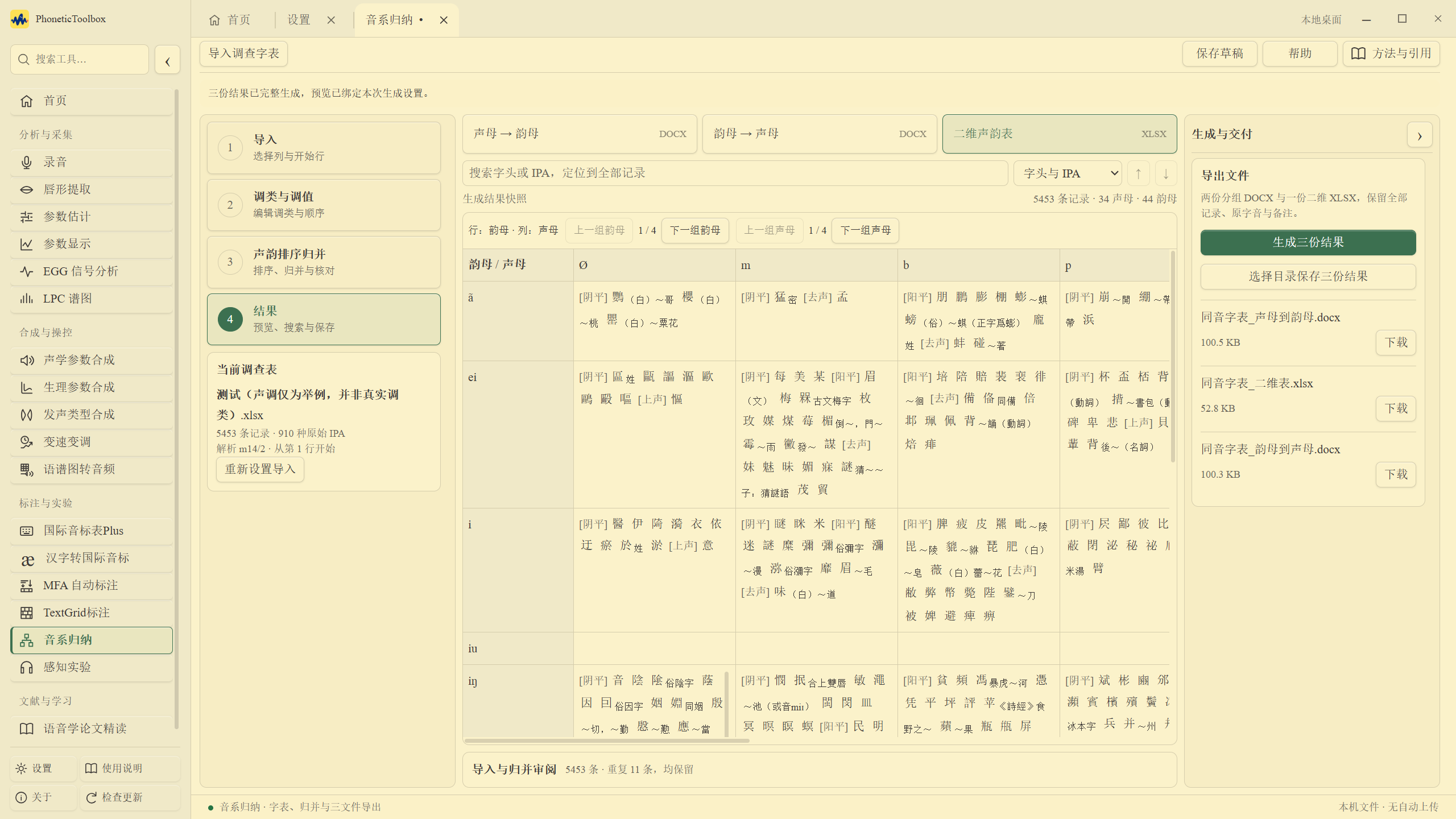
Phonological analysis proceeds through import, tone categories, initial/final grouping and result preview. Adjust classification and ordering, search records, and generate homophone tables in two DOCX arrangements and two-dimensional initial-final tables in XLSX. Results remain searchable even for long wordlists.
The server will periodically provide open-access papers licensed under CC BY 4.0.
The newPaper readermanages local PDFs and favorites, with reading, text selection, highlights and notes in the application, plus annotated-PDF export. Recommended papers can switch between the original, Chinese translation and supplied reading notes.
Appearance and the guide have been redesigned
Choose light/dark modes and multiple palettes. Adjust fonts, icons, buttons, waveform colors and page zoom. The guide is organized by module; clickHelpto open the corresponding chapter.
For a first look at the tools, explore theillustrated home page ↗. All eighteen modules have real example screenshots.
Which download?
Currently available for Windows 10 1809 or later / Windows 11, x64. Download under Assets below, or visit theofficial website ↗。
How you want to use it
Choose this download
Install for everyday use
PhoneticToolbox-3.0.0-windows-x64-setup.exe
Keep it in your own folder and run directly
PhoneticToolbox-windows-x64.exe
Extract for use, or obtain the complete update package
PhoneticToolbox-3.0.0-windows-x64-portable.zip
All three packages prepare runtime files on first launch, so leave room for extracted files. The installer installs per user; launch it from the Start menu or desktop shortcut afterward.
MFA components are installed separately. The app provides MFA 3.3.8-r1 for Windows x64 CPU, with same-version ZIP offline installation, a default Mandarin model and Shaozi's adjusted pinyin-only pronunciation dictionary. Download size is approximately 813 MB, with about 2.81 GB installed plus extraction space.
This release also fixes scientific-runtime loading under Chinese and long paths. Update checks recognize historical v2 releases. Installation and updates preserve research files, settings and installed MFA components.
Checksums and source archives
Under Assets, SHA256SUMS provides SHA-256 hashes for the three application packages;ptb-release.json is used by in-app update checks. The portable, installer and update ZIP contain the same application EXE.
This application was built from a frozen local snapshot that includes local revisions after the baseline commit. GitHub's automatically generated Source code (zip / tar.gz) reflects the repository state at the release tag. Reproducing this EXE also requires the snapshot's revisions and distribution assets. The full snapshot includes software-distribution-only materials and is not publicly attached to the Release. File identities and completed checks are in theWindows release record ↗。
Historical v2 releases and tags are retained.
Give it a try! Report problems through in-app feedback or issues. Wishing you smooth recording, experiments and writing.
(You can also join the PhoneticToolbox QQ group: 698116028.)
Shaozi has been exploring better spectrogram-to-audio reconstruction. A small model estimates the STFT window length and dynamic range that may have produced an image, using its time and frequency calibration. These estimates guide the reconstruction parameters before recovering sound.
For phase reconstruction, Shaozi follows Naofumi Aoki's research on short-window spectrograms: sum along frequency, extract peak pulses from the temporal projection, construct an excitation signal, then use its phase to initialize Griffin–Lim. This supplies a starting point for iteration. Perraudin and colleagues' momentum acceleration also uses changes between adjacent iterations to help phase estimates approach the target faster. The toolbox currently uses 0.99 as its momentum coefficient, which generally speeds convergence.
After initial reconstruction, the next step is Mel restoration. Convert the sound to a Mel spectrogram and train a conditional NAFNet against target Mel spectrograms to repair spectral errors, aiming for structures closer to natural speech. Feed the restored Mel spectrogram to the pretrained BigVGAN vocoder to generate the final waveform. The vocoder uses learned speech regularities to synthesize the restored spectrum, somewhat like the role of learned models in denoising or echo cancellation.
Work is still in progress. Compare five stages below: basic GL, momentum acceleration, parameter prediction, Aoki initialization and Mel restoration.
Predict window length and dynamic range from the spectrogram and its time/frequency calibration, rounding the window length to milliseconds.
→
02 / Recover the sound
Momentum-accelerated reconstruction
Griffin–Lim · Momentum 0.99
Use the predicted parameters and Aoki pulse initialization, then run 32 iterations for an initial waveform.
→
03 / Restore the spectrum
Mel restoration
Conditional NAFNet
Convert the exact waveform from the fourth, Aoki-initialized momentum-GL route to a Mel spectrogram, then repair spectral errors with the trained 80-band model.
→
04 / Listen again
Synthesize audio
BigVGAN
Use the pretrained vocoder to turn the restored Mel spectrogram into the final waveform.
One image, five ways to listen.
Start with basic GL, then momentum acceleration. The third route adds predicted window length and dynamic range, the fourth adds Aoki pulse initialization, and the fifth sends the exact same waveform from the fourth route to 80-band NAFNet for Mel restoration, followed by BigVGAN synthesis. The first two routes use a fixed 10 ms window and 60 dB dynamic range; the last three use image-specific predictions. Every Griffin–Lim route runs for 32 iterations.
Hover over a listening button, or focus it with the keyboard, to compare the five output spectrograms.
First two routes:10 ms Hann window · 60 dB Model estimate:22.10 ms → use 22 ms Predicted dynamic range:61.11 dB First three: random phase · Last two:Aoki initialization All GL routes: 32 iterations
First two routes:10 ms Hann window · 60 dB Model estimate:4.54 ms → use 5 ms Predicted dynamic range:49.43 dB First three: random phase · Last two:Aoki initialization All GL routes: 32 iterations
First two routes:10 ms Hann window · 60 dB Model estimate:5.36 ms → use 5 ms Predicted dynamic range:56.28 dB First three: random phase · Last two:Aoki initialization All GL routes: 32 iterations
First two routes:10 ms Hann window · 60 dB Model estimate:4.09 ms → use 4 ms Predicted dynamic range:83.42 dB First three: random phase · Last two:Aoki initialization All GL routes: 32 iterations
First two routes:10 ms Hann window · 60 dB Model estimate:4.91 ms → use 5 ms Predicted dynamic range:87.36 dB First three: random phase · Last two:Aoki initialization All GL routes: 32 iterations
Zhihu example · 2 s / 6 kHz
Zhihu example
First two routes:10 ms Hann window · 60 dB Model estimate:5.49 ms → use 5 ms Predicted dynamic range:55.04 dB First three: random phase · Last two:Aoki initialization All GL routes: 32 iterations
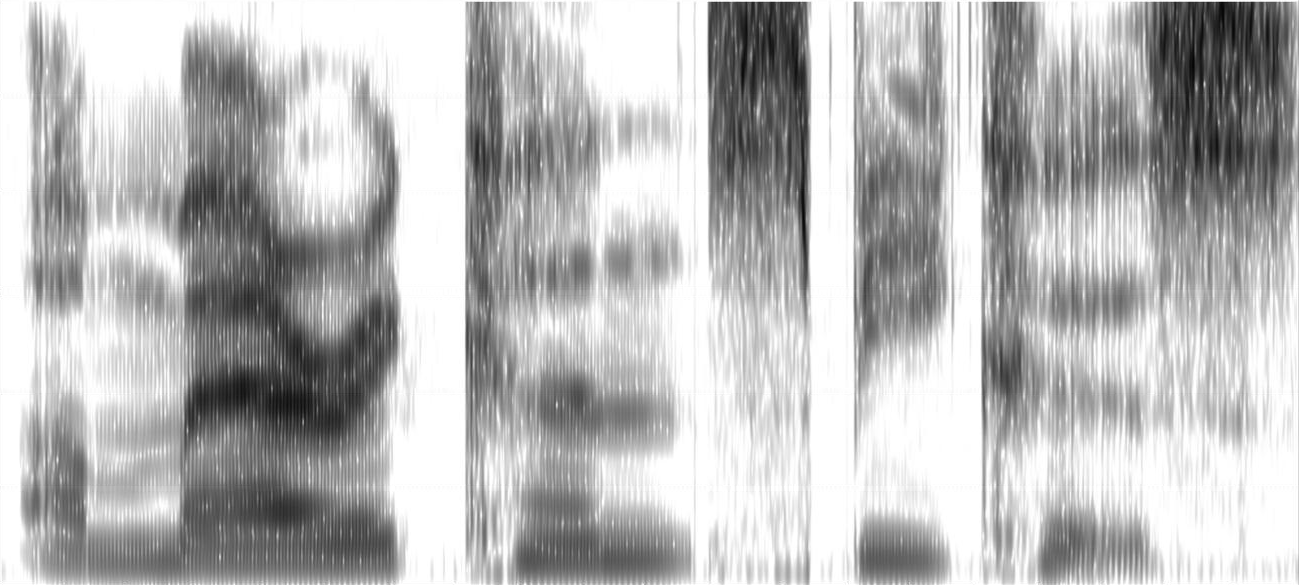
Two image sources: Lu, Y., Liang, C., & Kong, J. (2025). Contribution of F0 and phonation to tone perception in the Zaiwa language. Journal of Phonetics, 110, 101413. View paper ↗
Click and compare the five routes in order.
How was this comparison made?
All five routes share the same image, time/frequency calibration and Hann window. Every GL route uses 1.5 ms hop size and 32 iterations. The following steps add one change at a time:
Basic GL: Fixed 10 ms window,60 dB dynamic range, random-phase initialization and momentum 0。
Momentum GL: Keep the first route's parameters and initial random phase; change only momentum to 0.99。
Predicted parameters + momentum GL: Keep momentum at 0.99 and random phase; use the model's predicted window length and dynamic range, withwindow length rounded to whole milliseconds。
Predicted parameters + Aoki initialization + momentum GL: Keep the third route's predicted parameters and momentum 0.99, then add Aoki pulse initialization。
Mel restoration and vocoder:Read the exact audio exported by the fourth route, then apply 80-band NAFNet Mel restorationand BigVGAN vocoder。
The first three routes retain their fixed audio. During playback, all five are attenuated to the same RMS level. The popup shows spectrograms of the actual outputs with a shared 10 ms Hann window, 1.5 ms hop size and 60 dB display dynamic range. Within each example, the frequency span and amplitude reference are shared.Hovering over a button highlights its output spectrogram.Window length and dynamic range are model estimates. Alternate between the reconstructed outputs to compare them.
Training continues; these examples show the current results.✧
LEAVE A LITTLE NOTE
Something stuck? Let's work it out.
A problem, suggestion or new idea is welcome. Leave your email and send a note directly to Shaozi.
01 Verify your email02 Describe the problem03 Wait for a reply
No registration needed. The website and application share feedback conversations; you can read replies here too.
✎
The code is valid for 10 minutes. Check your spam folder too.
Email verified
No images selectedUp to 4 images, 2 MB each.
The server stores the email, feedback and images you choose to submit. This page does not automatically upload recordings or other files.
Verify your email to send feedback and retrieve previous conversations.
Our conversation
KEEP IN TOUCH
Leave a door a little open.
A letter, or a conversation. Choose the way that suits you.
A few quiet words about sharing source code and permission to use it.
For the parts of PhoneticToolbox that Shaozi has the right to license, you may modify them and release modified versions under your own project name. Shaozi does not require additional attribution or a link to the original repository.
Third-party code, fonts and other assets remain subject to their own licenses. Keep required copyright, license and third-party notices, along with method sources and citations for papers and articles.
Most importantly: this project and any modified version may not be used for profit or any commercial purpose, and no user may be charged any fee in any form.
May phonetics become a little more accessible, and may your research go well.
Long live open source!
LITTLE BY LITTLE
The toolbox, day by day
Page views
Total
—requests
Waiting for recorded statistics
Download requests
Total
—requests
Windows—macOS—IPA input method—
Waiting for recorded statistics
Web app use
Total
—requests
Waiting for recorded statistics
GitHub Star
Current
—stars
Waiting for recorded statistics
Loading statistics…
Waiting for an update
On 10/30, earlier GitHub downloads without timestamps were added to the chart, causing a one-time increase. Update downloads with log timestamps are recorded at their original times.
Hover or tap a curve to inspect records. Focus it and use the arrow keys to browse.
About the numbers
Page views count page requests received by the server, excluding recognizable common crawlers. Total downloads combine the Windows and macOS toolbox and the IPA input method; the input-method curve combines its four platforms. A full-file request or the first range request is counted, with continuation ranges excluded; a restarted download counts again. These numbers do not represent installations. Web-app use counts successfully created temporary workspaces; refreshing or opening another tab for the same workspace does not add a count. Website records update each minute. GitHub downloads and Stars are sampled approximately every 5 minutes; Stars may rise or fall. History uses server logs and actual samples; missing periods remain gaps.